Dental Office Data Protection: HIPAA Compliance Guide
Protect patient data and avoid HIPAA fines. DDS Rescue delivers dental-exclusive data protection, risk assessments, and BAA management. Start today.

Key Takeaways
- Dental office data protection uses administrative, physical, and technical safeguards under the HIPAA Security Rule to protect all forms of ePHI.
- Patient data lives in six primary locations in a dental practice, and each one needs a named accountable owner to reduce breach risk.
- Common compliance failures include questionnaire-based risk assessments, missing vendor BAAs, and staff pasting patient information into free consumer AI tools.
- Front-desk staff need a clear, practical translation of the five main HIPAA rules into daily procedures to keep the practice compliant.
- DDS Rescue provides dental-exclusive compliance and cybersecurity services with real network assessments, CISSP forensics, and on-staff HIPAA legal support.
What Dental Office Data Protection Actually Covers
ePHI in a dental office is broader than most office managers realize: the patient chart, the practice management database, intraoral camera images, sensor radiographs, text message appointment reminders, and insurance claim files all count. Under 45 CFR Part 164, the HIPAA Security Rule protects only ePHI, but that definition covers nearly everything a modern dental practice touches.
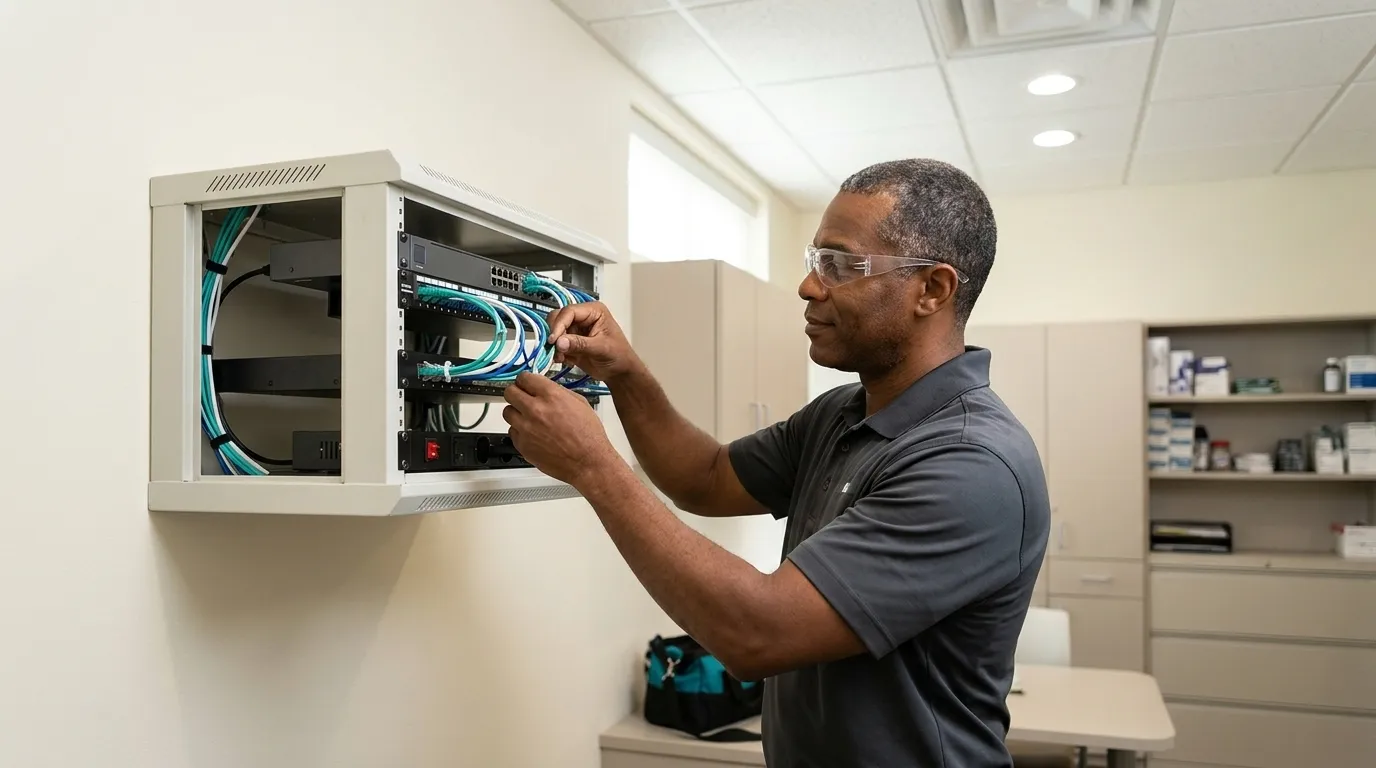
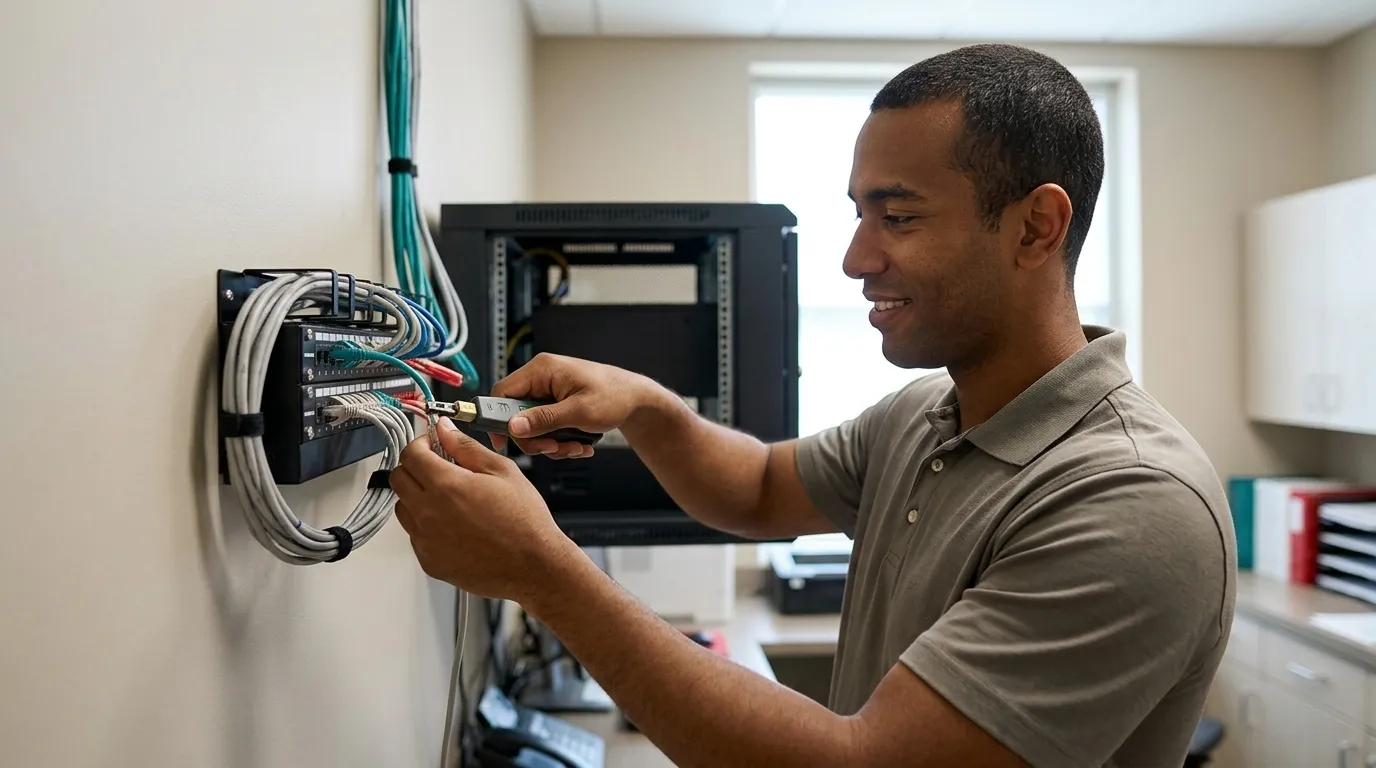
The three safeguard categories translate into specific dental-office actions. Administrative safeguards are the paperwork and people side: a named security official, an annual risk analysis, and staff training. Physical safeguards control who can touch the hardware, including the server closet, the front-desk workstations, and the process for retiring old machines. Technical safeguards are the electronic controls, such as encryption, unique logins, and rules for how patient information moves over email and text. NIST SP 800-66 Rev. 2 provides a practical implementation guide organized around all three categories for practices of any size.
Among administrative safeguards, the ones most often missing in small practices include a current security risk analysis and a named security official who owns the program, according to Uprite's assessment of new healthcare clients. HIPAA requires one. In most independent practices, that person is the office manager, because the office manager already controls the front-desk workflows where most ePHI exposure happens. Naming that person in writing this week turns an informal responsibility into an accountable one.
Where Patient Data Actually Lives In A Dental Office: The Six-Location Map
Patient data in a dental office does not live in one place. It spreads across six systems, and each one is a separate way in for an attacker. Print this list and write a name next to each item before Friday. If a location has no named owner, it has no accountability, and that gap is where breaches begin.

- The Practice Management Database On The On-Premise Server. Accountable: the office manager, working with the IT provider. The main exposures here are shared logins, an unpatched server, and backups that have never been restore-tested. HHS OCR recommends that covered entities identify where ePHI exists in the organization, including how ePHI enters, flows through, and leaves their information systems, and this server is where most of it lives.
- The Imaging Server, Sensors, And Intraoral Cameras. Accountable: the lead dental assistant, working with the imaging vendor. The exposure is an imaging vendor that has never signed a Business Associate Agreement (BAA), the contract HIPAA requires before any vendor can handle patient data. HHS guidance is explicit: using a vendor to maintain ePHI without a BAA in place is a HIPAA violation.
- Cloud Backup And Off-Site Copies. Accountable: whoever owns the backup contract. The exposure is backups that exist on paper but have never been tested for actual restoration. A backup that cannot be restored does not protect the practice. HHS breach notification guidance provides the encryption safe harbor, but only if the encryption and the key management hold up under scrutiny.
- Email, Patient Texting, And Communication Tools. Accountable: the front desk. The exposure is consumer email accounts and unencrypted texts carrying patient names, appointment details, and insurance information. Business-class email on a managed platform such as Microsoft, Google Workspace, or Zoho is a baseline requirement for a dental office.
- Staff Devices: Front-Desk Workstations, Laptops, And Personal Phones Used For Practice Business. Accountable: the office manager. The exposures are unencrypted laptops and practice photos stored on personal phones. A single unencrypted laptop theft can trigger a breach notification process before any regulatory fine is even considered.
- Third-Party Tools And Vendors That Touch Patient Data. Accountable: the doctor as the signatory. The exposure is a vendor contract with no BAA on file. This category includes the practice management software vendor, the imaging vendor, the IT provider, and any cloud service that stores or transmits ePHI. A cloud service provider storing encrypted ePHI without holding the decryption key is still a business associate under HIPAA and still requires a BAA.
The Three Ways Dental Practices Actually Fail And How To Fix Each One
Failure One: The Questionnaire Risk Assessment
The ONC/OCR Security Risk Assessment Tool is a questionnaire-based desktop application designed for small and medium providers. It is a starting point, and its own documentation states that the tool alone may not identify all risks present in an organization. When a dental assistant fills in a questionnaire about firewall type, Windows update status, and server condition, the answers reflect what the staff member believes is true, not what is actually installed.
A real risk assessment remotes into the practice's network and validates what is there: the firewall type, whether Windows updates are current, the condition of the server, whether an EDR (endpoint detection and response, security software that watches each computer for an attack in progress rather than only scanning for known viruses) is present, and whether the practice runs business-class email. That is the assessment that would survive scrutiny from HHS OCR, which has repeatedly cited the absence of an accurate and thorough risk analysis as a finding in its enforcement actions, including the Spencer Gifts and OSF Healthcare System ransomware settlements.
Failure Two: Unsigned BAAs
A BAA is the contract HIPAA requires before a vendor can handle patient data. The practice management software vendor, the imaging vendor, and the IT provider all need one. A vendor who will not sign a BAA is the finding HHS will cite. HHS guidance confirms that business associates cannot self-certify HIPAA compliance; the practice must have a written agreement that meets the requirements at 45 CFR 164.504(e). Pull every vendor contract this week and check for a signed BAA.
Failure Three: Patient Information Pasted Into A Free Consumer AI Account
This is the newest compliance gap in dental offices, and it is already widespread. Staff use free AI tools to draft patient communications, summarize notes, or look up billing codes, and they paste patient names, dates of birth, and treatment details into the prompt. The consumer versions of the major AI platforms will not sign a BAA. That commitment comes only with enterprise-tier products. The moment patient information enters a free AI account, the practice falls out of compliance with HIPAA, regardless of intent.
Under the HIPAA business associate framework, an AI provider that processes identifiable patient information on a practice's behalf falls within the BAA requirement. A consumer AI tool's standard terms of service is not a compliant BAA. The fix is a written rule banning patient information in any unapproved AI tool, staff training on that rule, and, if AI is used at all, an approved enterprise tool with a BAA in place.
DDS Rescue can assess whether your current tools and vendor agreements leave this gap open. Schedule a Rescue Call to find out where you stand.
Find Out Where Your Practice Stands
What Are The Five Main Rules Of HIPAA And What They Mean At The Front Desk
HIPAA is commonly summarized as three rules, Privacy, Security, and Breach Notification, but the full rulebook includes two more: Transactions and Code Sets, and Unique Identifiers. Here is what all five mean for the person answering the phone and checking patients in.
- Privacy Rule. This rule controls who you can tell what, and how you handle a records request. At the front desk, verify identity before releasing records, route access requests through the practice's documented process, and never discuss a patient's information where other patients can hear. HHS has pursued enforcement against practices that failed to fulfill patient access requests within the required timeframe, a front-desk function rather than a clinical one.
- Security Rule. This rule covers locked screens, unique logins, and encrypted email. At the front desk, log out or lock the workstation when stepping away, never share a login, and use only approved tools to communicate patient information. The Security Rule requires authentication mechanisms ensuring only authorized users access ePHI.
- Breach Notification Rule. This rule defines who you call the moment a text goes to the wrong number. At the front desk, report misdirected messages, lost devices, and suspected unauthorized access immediately through the practice's incident procedure, and do not investigate or delete evidence. The Breach Notification Rule requires covered entities to notify affected individuals and HHS following a breach of unsecured PHI.
- Transactions And Code Sets Rule. This rule ensures the claim submitted electronically uses the standard format. At the front desk, the practice management software handles this. But this rule is why the practice is a HIPAA covered entity at all: transmitting claims to a health plan electronically is what triggers the HIPAA Rules.
- Unique Identifiers Rule. This rule governs the National Provider Identifier (NPI) on every claim. At the front desk, confirm the correct NPI appears on outgoing claims. It is a one-line check that keeps claims clean and the practice in compliance.
Turn each of the five into one line in the front-desk binder. That single page becomes the operational version of HIPAA training.

What Happens When HHS Sends A Letter
HIPAA usually arrives as a letter from the HHS Office for Civil Rights, not as an inspection. That letter is the beginning of a process, not the end of one. What matters is whether you have what you need to respond well before the letter arrives.
The sequence, when handled properly, has two halves. A CISSP (Certified Information Systems Security Professional, the senior credential in information security, requiring at least five years of hands-on security work) establishes forensically what actually happened by reading Windows logs, determining whether data was accessed or exfiltrated, and establishing whether the incident constitutes a breach at all. That determination matters, because a ransomware event that encrypts patient data is presumed to be a reportable breach unless the organization can demonstrate a low probability that the PHI has been compromised. Then an on-staff HIPAA attorney, a former HHS Office for Civil Rights HIPAA Team Lead, handles the response to HHS.
Complaints to HHS often originate from a current or former employee, which makes the timing unpredictable. Preparedness is the point. This article does not substitute for legal counsel, and no article can. What it can tell you is this: confirm today, by name, who you would call if a letter arrived, and confirm whether that person can read Windows logs.
Why DDS Rescue Is The Dental-Exclusive Answer To Dental Office Data Protection
DDS Rescue is the dental-exclusive compliance and cybersecurity company that has been protecting dental practices nationwide for more than 15 years. More than 1,000 practices work with DDS Rescue, with an 85% renewal rate on compliance clients. The case for DDS Rescue on dental office data protection rests on four facts that most vendors cannot match.

First, the HIPAA Security Risk Assessment is performed by remoting into the practice's actual network and confirming what is installed, including firewall type, Windows update status, server condition, EDR presence, and email platform. A dental assistant never fills it in from memory. For a deeper look at what a real network assessment involves, see Dental Network Security: A Plan With Clear Accountability.

Second, a CISSP runs security and incident forensics. When something goes wrong, the practice gets a technical determination of what happened before anyone concedes anything to HHS.
Third, an on-staff HIPAA attorney, a former HHS Office for Civil Rights HIPAA Team Lead, handles the response when HHS sends a letter. That gives the practice representation by someone who enforced the rule the practice is accused of breaking.
Fourth, HIPAA compliance is included at no additional cost for practices already on DDS Rescue backup, because DDS Rescue is already inside the network and the risk assessment requires exactly that access. HIPAA is also available as a standalone purchase. Packaging comes in two tiers, Full and Basic, and the difference is the yearly site assessment. Practices that combine OSHA and HIPAA get a discount. For current figures, see DDS Rescue's pricing page.
DDS Rescue's compliance, training, HIPAA, backup, and cybersecurity services are delivered virtually and live. On-site IT work is limited to San Diego County. For practices looking to understand the full cybersecurity picture, see Dental Practice Cybersecurity: A Step-By-Step Office Plan, Dental Practice Cybersecurity: An Office Manager'S Guide, and HIPAA Compliant Dental Backup Encryption: Prove It Works.
Ask for the assessment that remotes in, not the questionnaire.
Schedule Your HIPAA Risk Assessment
What To Do This Month
This month's plan focuses on five concrete actions that move your practice toward real HIPAA compliance without closing an operatory.
- Name your security official in writing. In most independent practices, that is the office manager, and it should be documented today.
- Fill in the six-location map with accountable names. Use the list above and write a person next to each item before Friday.
- Pull every vendor contract and check for a signed BAA. The practice management software vendor, the imaging vendor, and the IT provider all need one, and a vendor who will not sign is a finding.
- Ban patient information in consumer AI accounts in writing. Add one sentence to the staff policy, then cover it in a five-minute conversation at the next team meeting.
- Book a risk assessment performed by remoting into the network. The assessment that would survive HHS scrutiny is the one that validates what is actually installed.
For more on protecting the practice from the threats that actually cause downtime, see How To Protect A Dental Office From Ransomware, Managed Cybersecurity For Dental Practices Explained, Dental Office Cyber Insurance: What It Covers And Excludes, and HIPAA Safeguards For Dental Patient Data In 2026.
Schedule a Rescue Call with DDS Rescue to get the assessment that remotes in, the accountability map, and a plain-English answer to whether your practice is actually covered.
Get Your Rescue Call On The Calendar
Frequently Asked Questions
What Is The Difference Between A HIPAA Risk Assessment And A HIPAA Risk Analysis?
The terms are often used interchangeably, but the HIPAA Security Rule uses "risk analysis" to describe the specific required process: an accurate and thorough assessment of the potential risks and vulnerabilities to the confidentiality, integrity, and availability of all ePHI the practice creates, receives, maintains, or transmits. A "risk assessment" in common usage refers to the same process. What matters is not the label but the method.
A real risk analysis remotes into the network and validates what is installed: firewall, patch status, server condition, EDR, and email platform. A questionnaire filled in by a staff member who cannot verify the answers is a different thing entirely. HHS OCR has made the failure to conduct an accurate and thorough HIPAA Security Rule risk analysis a central finding across its enforcement actions, including against small providers such as physician groups, with OCR announcing ten resolution agreements in the first five months of 2025 that each highlighted this deficiency. The risk analysis must be updated periodically and whenever the practice adopts new technology or responds to a newly recognized threat.
Which Vendors In A Dental Practice Need A Business Associate Agreement?
Any vendor that creates, receives, maintains, or transmits patient data on behalf of the practice needs a BAA. In a typical dental office, that list includes the practice management software vendor, the dental imaging vendor, the IT provider or managed service provider, the cloud backup provider, the patient communication and texting platform, and any billing or insurance claim service. As noted above, even a cloud provider that stores encrypted ePHI without holding the key is still a business associate. Using a vendor to create, receive, maintain, or transmit ePHI without a business associate agreement in place is a HIPAA violation. In a dental practice, the BAA should be reviewed and executed by an authorized signatory—often the practice owner or compliance officer—though in larger organizations only board-authorized corporate officers may be permitted to sign, which means the office manager's job is to identify every vendor that needs one and surface the gaps for the doctor to resolve.
What Actually Happens After HHS Sends A Letter To A Dental Practice?
A letter from the HHS Office for Civil Rights is the beginning of an investigation process, not the end of one. An OCR investigation letter is most commonly triggered by a patient complaint or a breach report the practice itself filed, though it can also stem from referrals by other agencies or OCR's own initiative-driven reviews. OCR will request documentation: policies and procedures, training records, the risk analysis, BAAs, and incident reports. The practice has a defined window to respond.
What happens next depends on what OCR finds. Cases can close with no violation found, with technical assistance, or with a corrective action plan, which may include a resolution amount and multi-year monitoring. The practices that navigate this best are the ones that had a real risk analysis on file, documented their safeguards, and can demonstrate they took compliance seriously before the letter arrived. Having a CISSP who can read Windows logs and establish what actually happened, and an attorney who spent a decade at the HHS Office for Civil Rights, creates a defensible position instead of an exposed one.
Is It A HIPAA Violation For Staff To Use A Free AI Tool At The Front Desk?
Yes, if patient information is entered into the tool. The consumer versions of the major AI platforms, the free or low-cost tiers available to anyone, will not sign a Business Associate Agreement. That means any patient name, date of birth, treatment detail, insurance information, or other identifying information entered into a free AI account is an impermissible disclosure under HIPAA. The fact that the staff member intended to be helpful, or did not realize the tool was unapproved, does not change the compliance status.
The fix has three parts:
- Write a policy banning patient information in any unapproved AI tool.
- Train staff on that policy.
- If the practice wants to use AI for clinical or administrative tasks, adopt an enterprise-tier product with a signed BAA.
This is the fastest-growing compliance gap in dental offices right now, and most practices have not addressed it in writing.
How Does DDS Rescue'S HIPAA Compliance Service Differ From What A General IT Provider Offers?
A general IT provider manages the network. DDS Rescue manages the network and owns the compliance outcome. The distinction matters when something goes wrong.
DDS Rescue's HIPAA Security Risk Assessment is performed by remoting into the practice's actual network, not by handing staff a questionnaire, and produces an evidence of compliance report updated annually, along with a policies and procedures manual, all required forms including BAAs and patient-facing documents, a HIPAA incident report form, and initial and annual staff training. When HHS sends a letter, DDS Rescue provides a CISSP to establish forensically what happened and an on-staff HIPAA attorney, a former HHS Office for Civil Rights HIPAA Team Lead, to handle the response. A general IT provider, even a capable one, typically cannot offer either. HIPAA compliance is included at no additional cost for practices already on DDS Rescue backup and is available as a standalone purchase for practices whose backup is elsewhere.