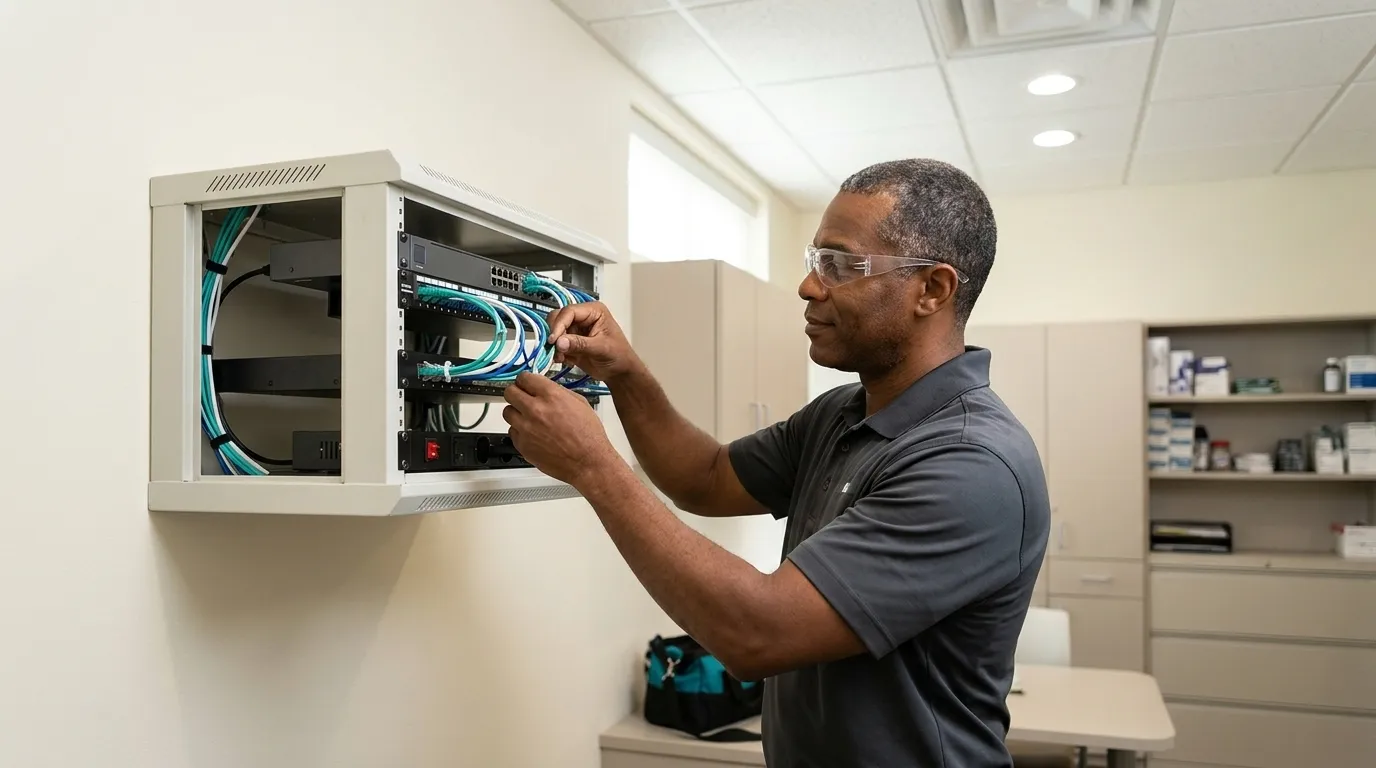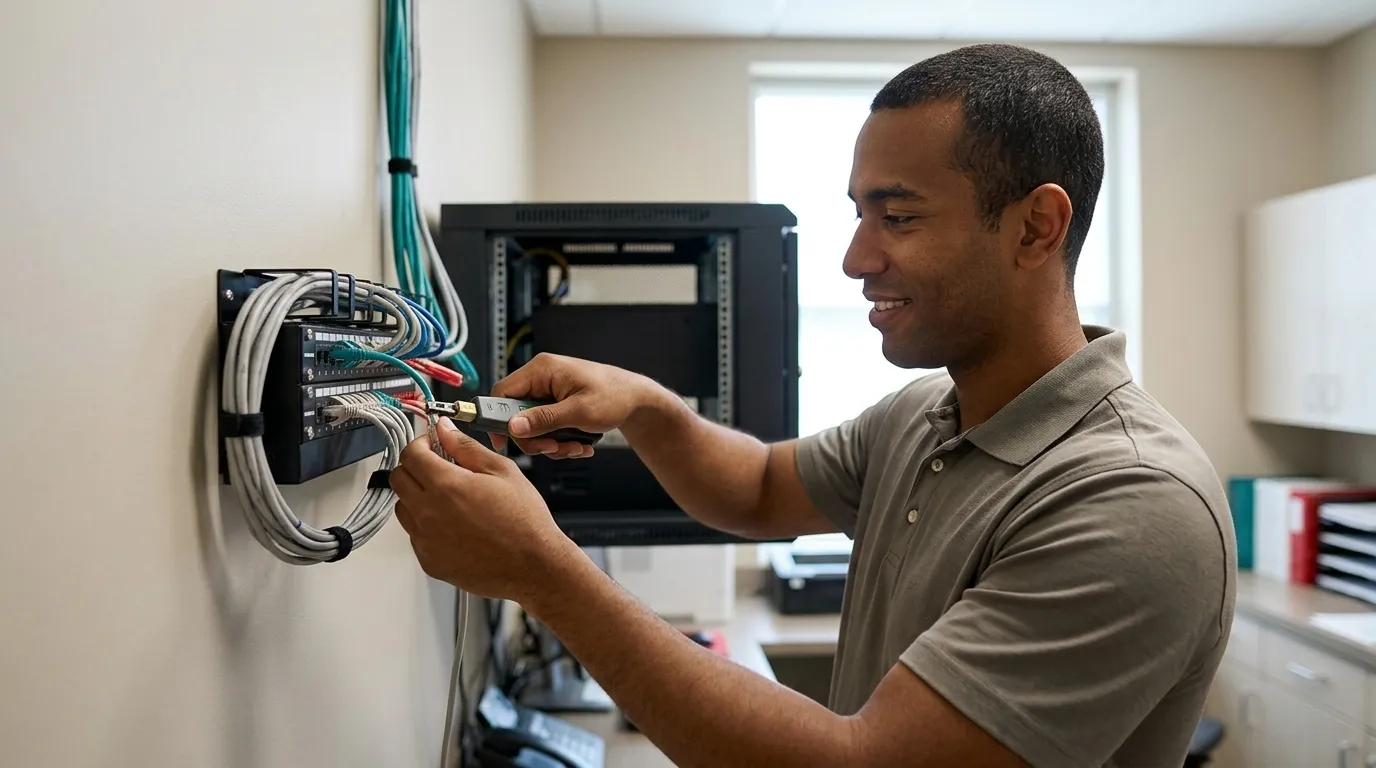
Dental Cyber Attack: First 24 Hours and Beyond
Hit by a dental cyber attack? DDS Rescue guides you through the first 24 hours, HIPAA reporting, and full practice recovery. Call us now.
Key Takeaways
-
A dental cyber attack can instantly halt operations by locking the single on-premise server that holds scheduling, billing, and clinical records.
-
The first 24 hours require immediate isolation of affected machines, evidence preservation, and calling a dental-specific incident response partner rather than a general IT provider.
-
Most outages are not ransomware. Failed hardware or corrupted databases produce the same symptoms, so recovery capability is as critical as prevention.
-
Under HIPAA, any breach of unsecured patient data triggers a 60-day notification clock to patients, HHS OCR, and possibly the media.
-
DDS Rescue delivers CISSP-led forensics, an on-staff HIPAA attorney with a decade at HHS OCR, and a Linux backup appliance that can virtualize a downed server in under an hour.
What A Dental Cyber Attack Is
A dental cyber attack is an attempt to break into a practice’s systems, including the practice management server, imaging, email, and billing. Attackers aim to steal patient data or hold the practice’s records hostage. A cyber attack is both a production problem and a compliance problem at the same time.
The most widely reported form is dental practice ransomware. This malicious software encrypts files and demands payment to unlock them. Data theft without encryption, credential compromise, and phishing-driven account takeovers are equally common and carry the same weight under HIPAA.
Why Dental Practices Are Targets
Dental practices hold exactly the data attackers want: Social Security numbers, dates of birth, insurance IDs, diagnoses, and treatment histories. Criminals cannot replace this information the way a bank can reissue a credit card. Becker’s Dental Review documented 23 dental cybersecurity incidents in 2026 alone, affecting solo practices, DSOs, and even a dental implant manufacturer.
The structural vulnerability is the on-premise server. Most dental practices run a single machine that holds the practice management database, imaging, and scheduling. Encrypting that one machine stops scheduling, billing, and X-rays at the same moment. Attackers understand this leverage.
Credential hacking is the acute problem right now, and two-factor authentication alone does not stop it. Microsoft’s 2025 Digital Defense Report measured a 54% click-through rate on phishing emails written by AI, versus 12% for human-written phishing emails. AI now writes convincing phishing email at scale. Staff who open those messages are responding to a tool designed to deceive them, not simply making a casual mistake.
What A Dental Cyber Attack Looks Like Inside A Practice
The server will not boot. The schedule is inaccessible. X-rays will not open. Billing freezes. Phones ring with patients asking about their appointments. Staff stand at their workstations with nothing they can do on a computer.
That picture is alarming, yet most practice outages are not ransomware at all. Failed hard drives, failed motherboards, and corrupt databases cause the same symptoms and occur more often. Recovery capability matters as much as prevention. The practice needs to be back online regardless of the cause, and the response in the first hour looks nearly identical either way.
For a deeper look at prevention architecture, see How To Protect A Dental Office From Ransomware and Dental Practice Cyber Attack Prevention: A 7-Step Plan. This article focuses on what to do after something goes wrong.
Talk To A Dental Incident Response Team
The First 24 Hours: A Dental Cyber Attack Response List
-
Isolate affected machines from the network. Disconnect them from ethernet and Wi-Fi, but leave them powered on. Powering down can destroy the forensic evidence that later steps depend on.
-
Call your response partner instead of only your general IT provider. A generalist IT provider handles many clients and many ticket types. A dental-specific incident response team knows what lives on a dental server and what HIPAA requires next.
-
Preserve the evidence before wiping anything. Restoring onto a network the attacker still controls restarts the incident. Establish the scope first so recovery does not re-open the door.
-
Determine whether patient data was actually accessed. This is a forensic question, not a gut-check. Reading Windows logs to answer it separates a confirmed breach from a presumed one. That distinction drives everything that follows under HIPAA.
-
Keep the practice running. Shift to paper-based operations or, if a virtualized server is available, bring it online. HHS OCR’s October 2026 Cybersecurity Newsletter advises regulated entities to plan for executing mission-essential functions without access to critical assets, including shifting to paper-based operations during a system disruption.
-
Document everything from the first hour. Time-stamp every action, call, and decision. This log matters to your insurer, your counsel, and HHS OCR.
The Next 90 Days: Breach Determination, HIPAA Notification, And Recovery
The compliance clock starts once the immediate crisis is contained. Breach determination is a forensic process. A CISSP reads the logs to establish what actually happened and whether the event qualifies as a reportable breach at all.
Not every incident is a breach. Under the HIPAA Breach Notification Rule, an impermissible use or disclosure of unsecured patient data is presumed to be a breach unless the practice can document a low probability that the data was compromised. That documentation requires a risk assessment evaluating four factors, though entities may also choose to notify without performing that assessment.

If a breach is confirmed, HHS notification and patient notification follow. HIPAA arrives as a letter from HHS, and that letter starts a process. For practices with an on-staff HIPAA attorney who spent a decade at the HHS Office for Civil Rights, that letter has a named human being who answers it, someone who enforced the rule they are now being asked to apply.
A BAA (Business Associate Agreement, the contract HIPAA requires before a vendor can handle patient data) is required from every outside company that touches patient information during the response. Consumer AI tools will not sign one. Pasting patient information into a free AI account during the incident response places the practice out of compliance on top of everything else.
Recovery and hardening complete the incident. The team rebuilds or restores the server, closes the vulnerability that allowed entry, and documents the corrective action for OCR. HHS OCR’s July 2026 settlement with OSF Healthcare System, its 21st ransomware enforcement action, found failures to conduct a compliant risk analysis, impermissible disclosure of PHI for 53,907 individuals, and untimely notifications. OCR focuses on what was missing before the attack as well as what happened during it.
Does HIPAA Require You To Report A Dental Cyber Attack?
Recovery and hardening close out the incident, but the reporting obligation runs on its own clock. Under the HIPAA Breach Notification Rule, covered entities must notify affected individuals without unreasonable delay and no later than 60 calendar days after discovery when a breach of unsecured patient data occurs. Breaches affecting 500 or more individuals in a state also require notification to prominent media outlets and to HHS OCR within the same 60-day window. Smaller breaches may be reported to HHS annually. For current HHS OCR guidance and the breach reporting portal, see hhs.gov.
A questionnaire-based risk assessment will not catch the exposure that leads to a breach, and it will not satisfy OCR’s scrutiny afterward. A real HIPAA Security Risk Assessment remotes into the network and confirms the firewall, Windows update status, server condition, EDR (endpoint detection and response, security software that watches each computer for an attack in progress rather than only scanning for known viruses), and email system. HHS OCR’s October 2026 settlement with Lehigh Valley Health Network, its 22nd ransomware enforcement action, cited failure to conduct an accurate risk analysis and failure to regularly review audit logs as contributing violations.
Protection That Actually Holds For Dental Practices
Modern protection relies on a layered program. Practices need off-site and tested backups, business-class email on a managed platform such as Microsoft, Google Workspace, or Zoho, enterprise-level EDR, managed Windows updates, staff training, dark web audits, and 24/7 monitoring. Two-factor authentication plays a role, yet it does not stop credential theft when the attacker uses social engineering to obtain the second factor directly.
Response capability matters as much as the prevention stack. Organizations whose backups were compromised in a ransomware attack faced a median recovery cost approximately eight times higher than those with intact backups, according to Sophos 2024 backup impact research.
Why DDS Rescue Is The Best Dental Cyber Attack Response Partner
DDS Rescue has been protecting dental practices nationwide for more than 15 years and has supported over 1,000 practices. Its combination of forensics, legal response, and rapid recovery does not come from breach news coverage, generic security checklists, consumer credit-monitoring offers, or a general IT provider alone.

Breach news coverage tells a practice what happened somewhere else. It leaves the practice’s own breach undetermined, the HHS letter unanswered, and the server still down. A general IT provider handles many clients and many ticket types, so recovery becomes one line item among many. Consumer credit-monitoring offers are reactive. They signal after stolen data has been used, and they expire while the exposure continues. Generic security checklists describe what to have in place, yet they do not establish forensically what happened after an incident.
DDS Rescue delivers all three pillars the article describes. The CISSP at the top of security reads the logs and establishes what actually happened before anyone concedes anything. The on-staff HIPAA attorney, listed on its advisory board and experienced from ten years at the HHS Office for Civil Rights including as HIPAA Team Lead, represents the practice when that HHS letter arrives. The Linux backup appliance holds a virtual copy of the production server and can bring it back online in under an hour for practices that meet a defined technical standard. Hourly backups are tested daily, and monitoring runs 24/7. DDS Rescue can also work alongside the practice’s own IT provider rather than around them.
Conclusion: Close The Gap Between Outage And Recovery
DDS Rescue is built for the gap this article describes, the hours between the server going down and the HHS letter arriving. Its forensic, legal, and recovery capabilities close that gap so a practice can keep treating patients while it recovers.
In the first 24 hours, the practice isolates affected machines, calls a dental-specific response partner, preserves evidence, determines whether data was accessed, keeps operations running on paper or a virtualized server, and documents every step. Over the next 90 days, the team completes breach determination, handles HHS and patient notification with qualified representation, and hardens the environment against recurrence.
The practice can move through a cyber attack with a clear plan and a specialized partner instead of facing it alone or shutting down.
Talk To A Dental Incident Response Team
Frequently Asked Questions
What Is A Dental Cyber Attack?
A dental cyber attack is any unauthorized attempt to access, steal, encrypt, or disrupt a dental practice’s computer systems, including the practice management server, imaging software, email, and billing. The most commonly reported form is ransomware, which encrypts files and demands payment to restore access. Other forms include data theft without encryption, credential compromise through phishing, and account takeover. Because a dental practice’s server typically holds scheduling, billing, and clinical records in one place, a successful attack stops operations and triggers HIPAA compliance obligations at the same time.
Are Small Dental Practices Really Targeted?
Small practices are targeted because they hold high-value patient data while historically underinvesting in cybersecurity. Attackers know that a single on-premise server often holds everything and that encrypting it stops the practice immediately. Ransomware appeared in 88% of data breaches at small and medium-sized businesses in Verizon’s 2025 Data Breach Investigations Report, compared with 39% at large organizations. Single-location dental practices appear regularly in HHS OCR breach reports alongside large DSOs.
What Should I Do First If The Server Locks Up?
Disconnect affected machines from the network by unplugging ethernet and disabling Wi-Fi, but leave them powered on so forensic evidence remains intact. Then call a dental-specific incident response partner before restoring anything. Restoring onto a network the attacker still controls restarts the incident. Start a time-stamped log of every action and call from the first minute. If you have a backup appliance that can virtualize the server, your response partner can bring it online while the investigation runs. DDS Rescue’s team can join the call and walk through the response with the practice’s own IT provider present.
Does HIPAA Require Reporting A Dental Cyber Attack, And To Whom?
HIPAA requires notification when the incident involves a breach of unsecured patient data. As noted above, the Breach Notification Rule sets a 60-day clock for individual notice, with media and HHS notice required in the same window for breaches affecting 500 or more individuals in a state. Smaller breaches may be reported to HHS annually. Ransomware encryption of patient data is presumed to be a reportable breach unless the practice can document a low probability of compromise through a four-factor risk assessment. For current guidance and the breach reporting portal, see the HHS Office for Civil Rights at hhs.gov. Nothing in this article is legal advice; consult qualified counsel for your specific situation.
Is Two-Factor Authentication Enough To Protect A Dental Practice?
Two-factor authentication reduces the risk of account compromise significantly, yet it does not stop credential attacks that use social engineering to obtain the second factor directly from a staff member. Attackers, including organized groups that have targeted dental benefits administrators, use phone calls and convincing phishing emails to trick people into providing access codes or approving authentication requests. AI-generated phishing email has a dramatically higher click-through rate than human-written phishing. Two-factor authentication is one layer of a defense program. Enterprise-level EDR, managed Windows updates, business-class email, staff training, dark web audits, and 24/7 monitoring all contribute to a posture that holds against current threats.
Can The Practice’s Existing IT Provider Handle A Cyber Attack Response?
A general IT provider can handle many things, yet dental cyber attack response requires specific capabilities that most generalist providers do not maintain. These include forensic log analysis to determine whether a breach occurred, HIPAA breach determination and HHS notification support, and a dedicated recovery team that can virtualize a downed server quickly. Most outages are hardware or database failures rather than ransomware, and the response in the first hour looks similar. Having a team dedicated to recovery rather than managing a broad ticket queue often makes the difference between hours and days of downtime. DDS Rescue works alongside the practice’s own IT provider rather than replacing them.
How Quickly Can A Practice Be Back Up And Running?
With the right backup infrastructure in place, DDS Rescue can virtualize and run a downed practice server in under an hour for practices that meet a defined technical standard. That standard includes a DDS Rescue backup and recovery device, business-class firewall and antivirus, a Dell or HP server less than six years old, maintained Windows updates, and no unresolved DDS Rescue notifications. Practices without a dedicated backup appliance face significantly longer recovery times. Industry data indicates healthcare ransomware recovery commonly exceeds two weeks. Sophos’s 2024 survey found only 22% of victims fully recovered within a week and 37% took more than a month, while 95% of hit organizations reported attempts to compromise their backups.
How Do I Choose A Dental Cyber Attack Response Partner?
Look for three things: forensic capability, HIPAA-specific legal representation, and a proven recovery path. Forensic capability means a credentialed security professional, such as a CISSP, who can read system logs and establish what actually happened before anyone makes a compliance decision. HIPAA-specific legal representation means an attorney who knows HHS OCR’s enforcement process from the inside. A proven recovery path means a dedicated backup appliance that holds a virtual copy of your server and has been tested, rather than a backup that has never been restored. DDS Rescue provides all three from one accountable partner and has supported more than 1,000 dental practices nationwide for over 15 years.