Dental Practice IT Support Near Me: Find the Right Provider
Know what to look for in dental IT support. DDS Rescue delivers dental-exclusive IT, cybersecurity & HIPAA compliance — get expert help now.

Key Takeaways
-
Dental practices lose dollars per hour of downtime when imaging or practice management systems fail, so specialized IT support matters.
-
General IT providers and software vendors rarely combine dental software, imaging hardware, and HIPAA expertise the way dental-specific providers do.
-
Before hiring any provider, use the 10 vetting questions that cover software support, BAA willingness, response times, backup testing, and cybersecurity.
-
Red flags include no dental references, reluctance to sign a BAA, slow response times, and reliance on basic antivirus without EDR or monitoring.
-
DDS Rescue delivers dental-exclusive IT support, HIPAA compliance, and managed cybersecurity with remote national coverage and on-site services in San Diego County.
What Dental Practice IT Support Actually Includes
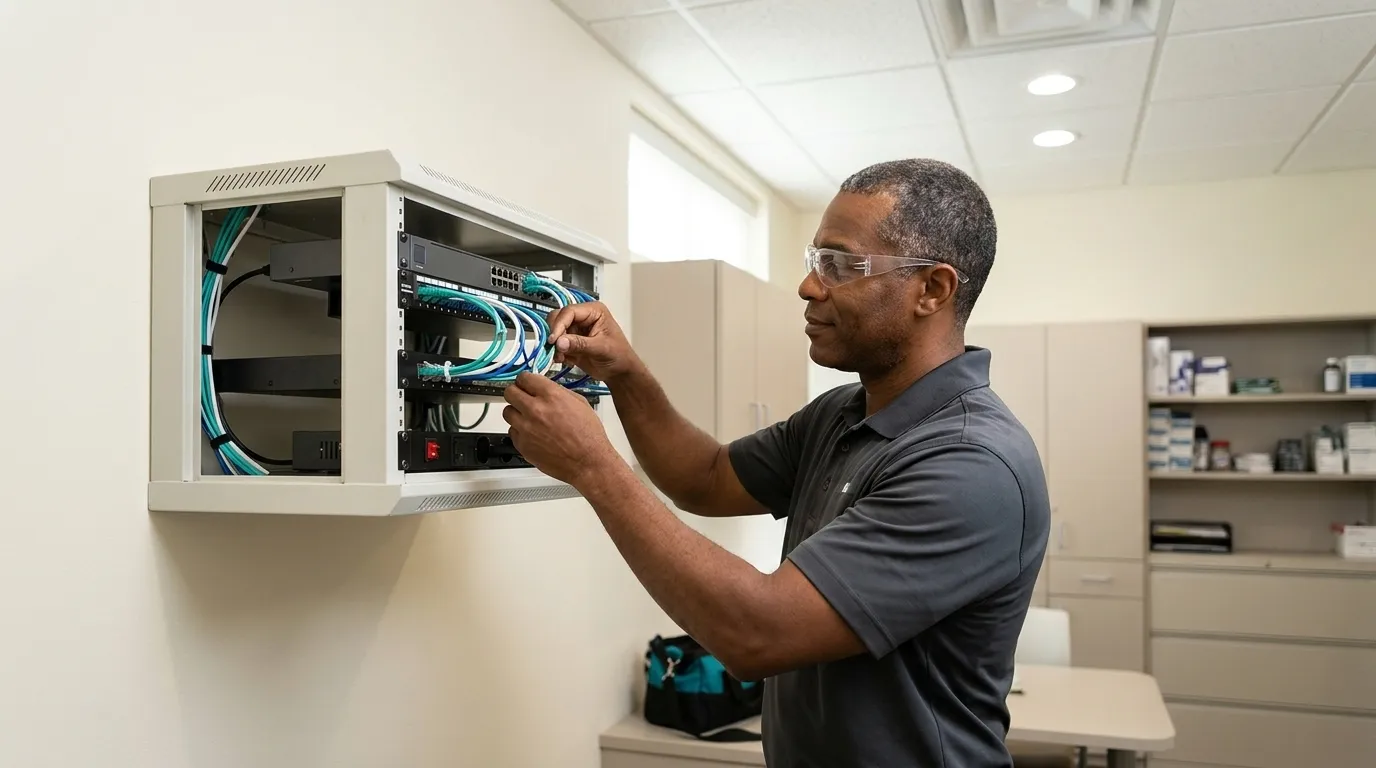
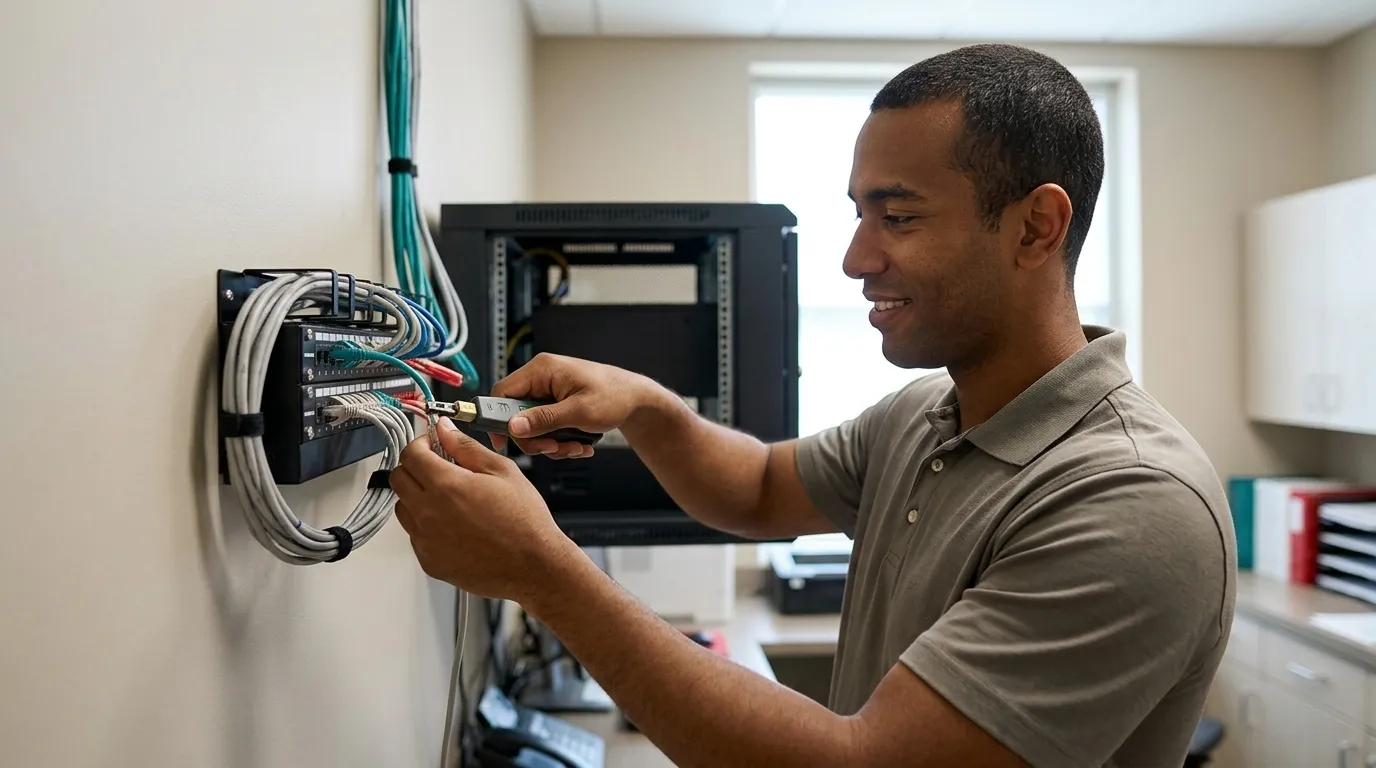
Dental IT support manages the technology a dental practice uses to see patients and get paid. That includes practice management software, imaging systems, servers, workstations, the network, backup, and cybersecurity. A managed service provider (MSP), acting as an outsourced IT department, handles this on an ongoing basis rather than responding only when something breaks.

Core services in a dental IT engagement typically include:
-
Support for Dentrix, Eaglesoft, and Open Dental, including the server, database, and workstation environment those platforms run on
-
Support for Dexis, imaging sensors, intraoral cameras, and panoramic units
-
Server and workstation management, including lifecycle planning
-
Network security and segmentation
-
HIPAA-compliant backup and recovery
-
Help Desk Support for day-to-day issues
Dental IT support goes beyond break-fix to include proactive monitoring, managed updates, security, and planning. Dental imaging often fails for predictable reasons such as sensor drivers, USB and network paths, bridges between imaging and practice management software, storage limits, and poorly timed updates. A proactive provider catches these issues before they interrupt a patient appointment.
One distinction matters for your search: remote support can be provided nationally, while on-site support is local. Because most dental IT work such as software fixes, network configuration, and security monitoring can be delivered remotely, remote support is usually faster and more efficient than waiting for a scheduled visit. On-site visits are reserved for work that genuinely requires hands on hardware, including installations, physical server issues, or complex network changes. DDS Rescue provides remote dental IT support nationally and full managed services for dental offices in San Diego County.

Dental IT Support Compared To General IT And Software Vendor Support
Three categories of support exist in the market, and each one covers a different slice of your environment.
General IT Support is a local or national MSP that serves many industries. These providers are often competent at networks and workstations, but a software or device vendor typically supports only its own application or equipment, and a generalist MSP may have limited experience with dental practice management systems, imaging hardware, or HIPAA obligations specific to dentistry.
Software Vendor Support covers the application itself. The company that makes Dentrix or Eaglesoft handles bugs inside its product. The vendor does not manage your network, server, backup, or cybersecurity. Most dental IT problems originate in the gap between the software vendor’s scope and the infrastructure layer. Calling a software vendor about a server issue usually goes nowhere.
Dental-Specific IT Support covers both the technology and the dental context, including practice management software, imaging hardware, and compliance obligations, under one accountable relationship. The table below shows how the three support categories compare across the capabilities that matter most to a dental practice.

|
What They Cover |
General IT Support |
Software Vendor Support |
Dental-Specific IT Support |
|---|---|---|---|
|
Practice management software (Dentrix, Eaglesoft, Open Dental) |
Sometimes |
Yes (their product only) |
Yes |
|
Imaging hardware (Dexis, sensors, cameras) |
Rarely |
No |
Yes |
|
Network, servers, backup |
Yes |
No |
Yes |
|
HIPAA compliance and BAA |
Sometimes |
No |
Yes |
|
Cybersecurity (EDR, monitoring) |
Sometimes |
No |
Yes |
DDS Rescue is a dental-exclusive provider that offers remote national IT support, San Diego County on-site managed services, and a team that already understands Eaglesoft, imaging tools, and dental regulatory obligations. Built For Dentistry. Backed By Experience.
Get Dental-Specific IT Support
How To Vet A Dental IT Provider: 10 Questions To Ask
Ask these questions directly before signing with any dental IT provider. The answers show whether the provider truly understands your environment or plans to learn it at your expense.
-
Do you support our practice management software (Dentrix, Eaglesoft, Open Dental)? Software knowledge determines how fast problems get solved. A provider who has to look up how Eaglesoft’s database works will cost you time every time something breaks.
-
Do you have experience with dental imaging hardware (Dexis, sensors, cameras)? Sensor and operatory problems usually trace back to drivers, updates, cabling, or aging hardware. A provider without imaging experience will escalate to the vendor every time.
-
Will you sign a Business Associate Agreement (BAA)? A BAA is the contract HIPAA requires before a vendor can handle patient data. A provider that touches your systems without a signed BAA puts your practice out of compliance.
-
What is your response time for urgent issues, and how do you handle after-hours emergencies? A downed server during patient hours requires urgent handling. Confirm what “urgent” means in their SLA and who answers the phone when it happens.
-
How do you handle backup and recovery? How often do you test backups? An untested backup is a risk, not a safeguard. Ask for evidence of recent restore tests, not just confirmation that backup jobs are running.
-
What cybersecurity measures do you provide, including EDR, managed updates, and email security? EDR stands for endpoint detection and response, which means security software that watches each computer for attacks in progress rather than only scanning for known viruses. Basic antivirus no longer provides adequate protection. Dental practices need layered protection.
-
Do you provide HIPAA risk assessments, and how are they performed? A real risk assessment involves remoting into your network to confirm what is actually installed, including firewall type, Windows update status, server condition, and EDR presence. A questionnaire filled in by a dental assistant does not qualify as a risk assessment.
-
Can you provide dental references? Ask for practices of similar size running the same software. A provider who cannot name dental clients operates as a generalist while using dental-specific language.
-
How do you handle hardware failures and server downtime? Ask specifically about their recovery process, who joins the call, and how long recovery usually takes. The difference between hours and days of downtime is the difference between a bad morning and a week of lost production.
-
What does your onboarding process look like for a dental practice? Look for a structured onboarding process that includes discovery, documentation, credential transfer, and imaging inventory. A provider without this structure creates confusion when something goes wrong and nobody knows the environment.
Red Flags To Avoid With Dental IT Providers
Watch for these warning signs, which indicate a provider is not ready to support a dental practice:
-
No dental references. If they cannot name dental clients, they are learning on your time.
-
Reluctance to sign a BAA. A provider who will not sign a BAA cannot legally handle patient data. Treat that as a disqualifier.
-
Slow or unclear response times. “We’ll get back to you” does not count as a service level agreement. Get response time commitments in writing.
-
No proactive monitoring. A reactive-only provider finds out about problems when you call. By that point, production has already stopped.
-
No backup testing. Backup jobs completing does not guarantee that data is recoverable. Require recent evidence that the provider has restored representative files and application databases.
-
Cybersecurity limited to basic antivirus. The threat landscape has outrun antivirus-only defenses. A provider without EDR, managed updates, and email security leaves your practice exposed.
-
No understanding of dental software. Warning signs include helpdesk staff asking “What is Dentrix?” and no signed BAA.
The Evolving Threat Landscape: Credential Hacking And AI Phishing
Those red flags matter more than ever because the threats dental practices face have changed shape. Dental practices are targets because they hold patient names, Social Security numbers, insurance records, and clinical histories. A complete medical record can sell for hundreds to roughly $1,000 on the dark web, far more than the few dollars stolen credit-card data typically commands. Many practices still underinvest in cybersecurity relative to the value of what they hold.
The threat profile now centers on credential hacking. Attackers steal login credentials and use them to move through a network quietly before anyone notices. Two-factor authentication alone does not stop this pattern. AI accelerates this trend by writing convincing phishing email at scale and driving a visible increase in successful credential attacks. OCR enforcement expectations for phishing incidents center on identity controls, workforce training, and risk management.
A generalist MSP that relies on antivirus and a basic backup stack cannot handle these threats effectively. Modern protection combines the right software with a team that knows how to respond while an attack is still unfolding.

DDS Rescue’s managed cybersecurity includes business-class email on a managed business platform such as Microsoft, Google Workspace, or Zoho, rather than a free consumer account. It also covers enterprise-level EDR, professionally managed Windows updates, dark web audits, staff training, and 24/7 monitoring. The team is led by a CISSP (Certified Information Systems Security Professional), the senior credential in information security, which requires at least five years of hands-on security work. DDS Rescue also offers backup and recovery with a Linux-based appliance that can virtualize a downed server in under an hour, subject to defined technical conditions. For current pricing, view our dental IT support plans.
Remote Vs. On-Site Support: What To Expect
Remote support now handles most dental IT needs efficiently. Remote work is faster, avoids scheduling delays, and resolves the majority of software, network, and configuration issues without anyone entering the office. On-site support usually comes into play for hardware installations, physical server work, cabling, or complex network changes that cannot be completed remotely.
When evaluating any provider, ask specifically about their remote versus on-site capabilities and their response times for each. “Nationwide support” often means remote help desk access only and does not automatically include the ability to dispatch a technician to your location.
DDS Rescue provides remote dental IT support nationally. On-site IT work is available in San Diego County only. Every compliance walkthrough, HIPAA risk assessment, and training session is delivered live and virtually, so location never limits those services.
How DDS Rescue Fits: Dental-Exclusive IT And Compliance
DDS Rescue combines IT, compliance, and cybersecurity for dental practices under one accountable roof. These points show how that approach works in day-to-day operations:
-
15+ Years Protecting Dental Practices. More than 1,000 practices supported nationwide, with an 85% renewal rate on compliance clients.
-
Combined IT And Compliance. OSHA and infection control, HIPAA, backup and recovery, and managed cybersecurity come from one provider, which keeps accountability clear.
-
Real People With Named Credentials. A CISSP-led IT team and access to an on-staff HIPAA attorney who spent ten years at the HHS Office for Civil Rights, including time as its HIPAA Team Lead.
-
Remote National IT Support Plus Local On-Site Services. Practices across the country receive remote IT, compliance, and cybersecurity, while San Diego County practices also receive on-site managed services.
-
Compliance That Respects Production. Compliance walkthroughs and training are virtual and live, designed to avoid chair time and keep production running.
-
HIPAA Compliance Included For Backup Clients. Practices already on DDS Rescue backup receive HIPAA compliance services at no additional cost.
Stay Compliant, Secure & Open. For current pricing, see our pricing and plans.
Schedule A DDS Rescue Consultation
Frequently Asked Questions
What Is Dental Practice IT Support?
Dental practice IT support manages the technology a practice uses to see patients and get paid, as described earlier in this guide. That scope runs from practice management software and imaging systems to servers, workstations, network, backup, and cybersecurity. A full-service dental IT provider handles this proactively through monitoring, updating, and securing systems instead of waiting for failures.
How Is Dental IT Support Different From General IT Support?
A general IT provider serves many industries and may handle networks and workstations well while lacking experience with dental practice management software, imaging hardware, or HIPAA requirements specific to dentistry. A dental-specific provider already knows how Dentrix databases work, why Dexis sensors fail, and what a HIPAA risk assessment requires in practice. That knowledge translates into faster resolution times and fewer problems that escalate to the software vendor. Software vendor support forms a third category and covers the application itself, not the surrounding server, network, backup, or cybersecurity.
Do I Need A Local Provider, Or Can Support Be Remote?
Most dental IT support works effectively when delivered remotely. Remote support resolves the majority of software, configuration, and network issues faster than scheduling an on-site visit. On-site support typically comes into play for hardware installations, physical server work, or cabling. When evaluating providers, ask what they can handle remotely versus what requires a dispatch, and confirm whether they can actually send someone to your location.
What Should I Ask A Dental IT Provider Before Hiring?
Ask whether they support your specific practice management software and imaging hardware by name and whether they will sign a Business Associate Agreement (BAA). Request written response time commitments, details on how they test backups, and a list of cybersecurity tools they deploy beyond antivirus. Ask for dental references, a description of their onboarding process, and a clear explanation of how they handle a server failure during patient hours.
What Is A BAA, And Why Does It Matter?
A BAA, or Business Associate Agreement, is the contract HIPAA requires before any outside vendor can handle patient data. It makes the vendor legally responsible for protecting that data. A provider who touches your systems without a signed BAA puts your practice out of compliance with HIPAA, regardless of technical skill. Willingness to sign a BAA should serve as a baseline requirement.
What Cybersecurity Measures Should A Dental Practice Have?
A dental practice should have enterprise-level EDR, business-class email on a managed platform, professionally managed Windows updates, multi-factor authentication, encrypted backup with tested restores, staff phishing training, and 24/7 monitoring. Basic antivirus and a background backup job no longer provide sufficient protection against credential hacking and AI-assisted phishing. A dental practice also needs a signed BAA with every vendor that touches patient data, including IT providers, backup services, and any AI tools staff use in their work.
Can DDS Rescue Support Our Practice If We Are Not In San Diego?
DDS Rescue supports practices nationwide through remote dental IT services. OSHA and infection control compliance, HIPAA compliance, backup and recovery, and managed cybersecurity are all delivered live and virtually, so location does not limit access. On-site IT work is available in San Diego County only. Practices outside San Diego County receive full remote IT support along with all compliance and cybersecurity services.
Conclusion And Next Steps
Choosing the right dental IT provider depends on five factors: dental-specific expertise, HIPAA compliance with a signed BAA, tested backup and recovery, layered cybersecurity, and a single accountable relationship that keeps you out of vendor limbo when something breaks.
Use the 10-question checklist above with every provider you evaluate. Ask for current dental references, confirm BAA willingness early, and assess whether the provider understands the evolving threat landscape of credential hacking, AI phishing, and the limits of antivirus-only defenses.
Reassess your IT support periodically because technology and threats change. A provider that felt adequate two years ago may not meet today’s standards. Practices that stay ahead treat IT support as an ongoing operational decision rather than a one-time purchase.
Review Your IT Support With DDS Rescue