Dental Data Backup Cost: What Practices Pay in 2026
Find out what dental data backup really costs in 2026. DDS Rescue breaks down pricing by setup, data size, and HIPAA needs — get a clear budget today.

Key Takeaways
-
Dental data backup pricing depends on four factors: imaging volume (CBCT/PAN), local appliance inclusion, managed recovery, and bundled HIPAA documentation.
-
Cloud-only plans around $9 per month focus on basic endpoint backup and usually exclude server support, local appliances, and HIPAA compliance deliverables required for dental practices.
-
CBCT imaging dramatically increases storage needs, with a single scan exceeding 500 MB and annual imaging data easily reaching 90+ GB before backups.
-
Local appliances enable sub-hour restores at LAN speed instead of 24+ hours over internet connections, protecting chair time worth $500–$1,500 per hour.
-
DDS Rescue delivers hourly backups to a Linux appliance, includes the enterprise-level HIPAA Security Risk Assessment at no extra cost, and provides CISSP-led recovery accountability for dental practices.
How Much Does Dental Data Backup Cost?
Dental data backup pricing spans from low-cost cloud subscriptions to fully managed hybrid setups. The number changes with imaging volume, whether a local appliance is included, whether recovery is managed, and whether HIPAA documentation is bundled.
In the managed and hybrid tiers, DDS Rescue bundles the enterprise-level HIPAA Security Risk Assessment at no additional cost for backup clients. Visit ddsrescue.com/pricing/ for current figures.
The four drivers that move the number:
-
Imaging volume, especially CBCT and PAN files
-
Local appliance vs. cloud-only
-
Managed recovery vs. self-run
-
HIPAA documentation bundled vs. billed separately
The Four Things That Actually Set The Price
Each of these four drivers affects the budget differently, so they deserve a closer look.
Imaging Volume. CBCT and PAN files are the single biggest swing factor in dental backup pricing. A single CBCT scan can exceed 500 MB, and a practice generating roughly 50 patient visits daily may produce 2–5 gigabytes of imaging data weekly. A practice adding CBCT can multiply its annual storage requirement without any change in patient volume. Imaging belongs at the top of the backup budget.
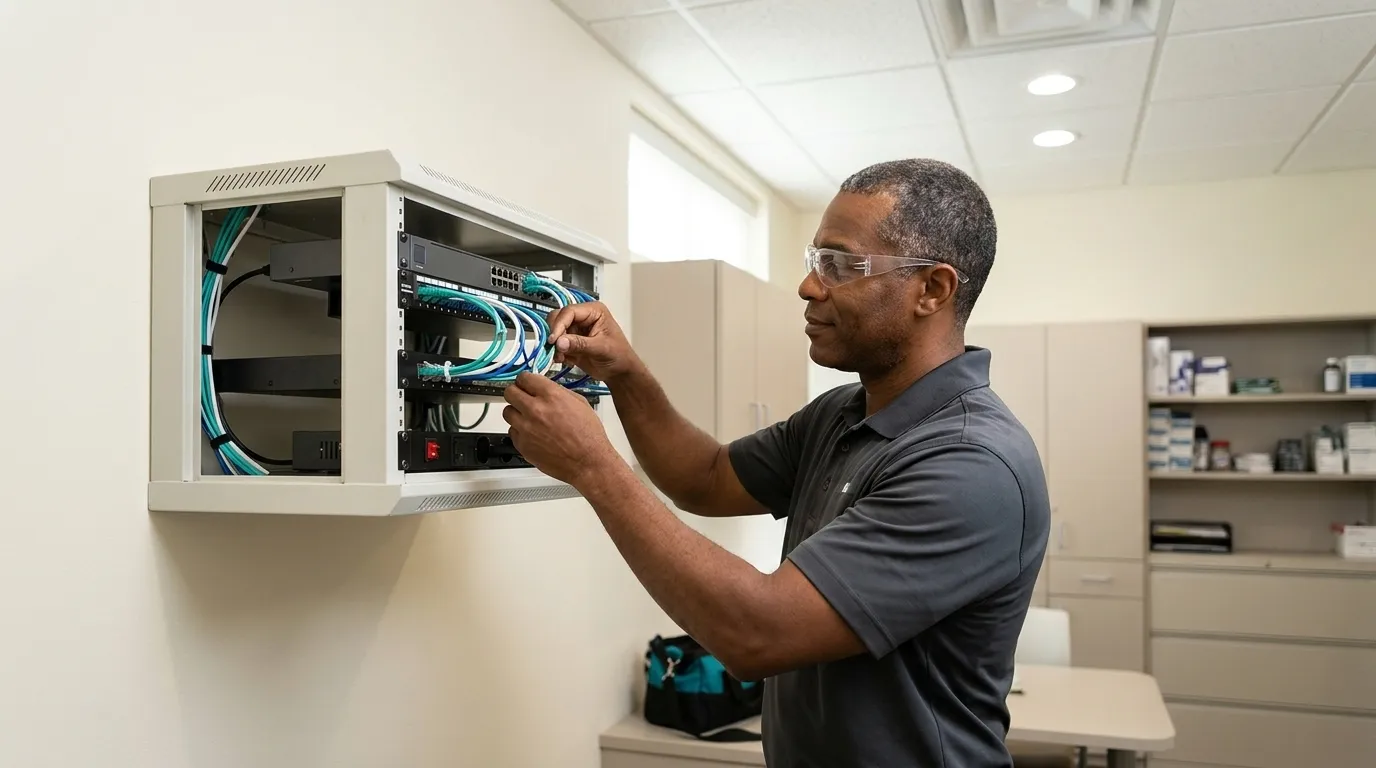
Local Appliance Vs. Cloud-Only. An appliance appears as a line item in the quote. It also creates the gap between a restore measured in minutes and one measured in hours or days. Restoring 1 TB over a 100 Mbps internet connection takes roughly 27.8 hours at 80% of rated line speed. From a local appliance on a 1 Gbps network, the same restore takes about 2.8 hours. For a practice running an on-premise server, that gap often decides whether the office opens on time or loses a full day of production.
Managed Recovery Vs. Self-Run. Pricing changes based on who answers the phone, who runs the restore, and whether senior engineers join the call. A backup subscription and a managed recovery service are separate purchases. Confirm which one you are buying before you sign.
HIPAA Documentation Bundled Vs. Billed Separately. A BAA, or Business Associate Agreement, is the contract HIPAA requires before a vendor can handle patient data. It is a contract rather than a risk assessment. A signed BAA does not transfer the practice’s obligation to evaluate the vendor’s controls. Confirm whether the Security Risk Assessment, written contingency plans, and restore evidence are included in the price or quoted separately. Annual Security Risk Assessments are commonly priced at $1,500–$3,000 as a separate line item when they are not bundled.
Cloud-Only Vs. Local Appliance Vs. Hybrid: How Setup Changes The Price
Chair time, not storage cost, provides the clearest frame for this decision. Many general dental practices generate $500–$1,500 per hour in production, so a morning server failure quickly turns into lost appointments and lost revenue. The true cost of a one-day outage for a dental practice can reach $5,000–$20,000 once delayed claims, after-hours recovery labor, lost production, and patient attrition are counted.
A cloud copy of a locked practice management database does not bring a server back online in an hour. Practice management systems like Dentrix and Eaglesoft use proprietary database structures, and a completed backup job does not guarantee the database can be restored without corruption. Generic file-level backup cannot properly capture database transactions in progress. Restoring terabytes over a business internet connection takes hours or days. A local appliance restores at LAN speed and can boot the server as a virtual machine.

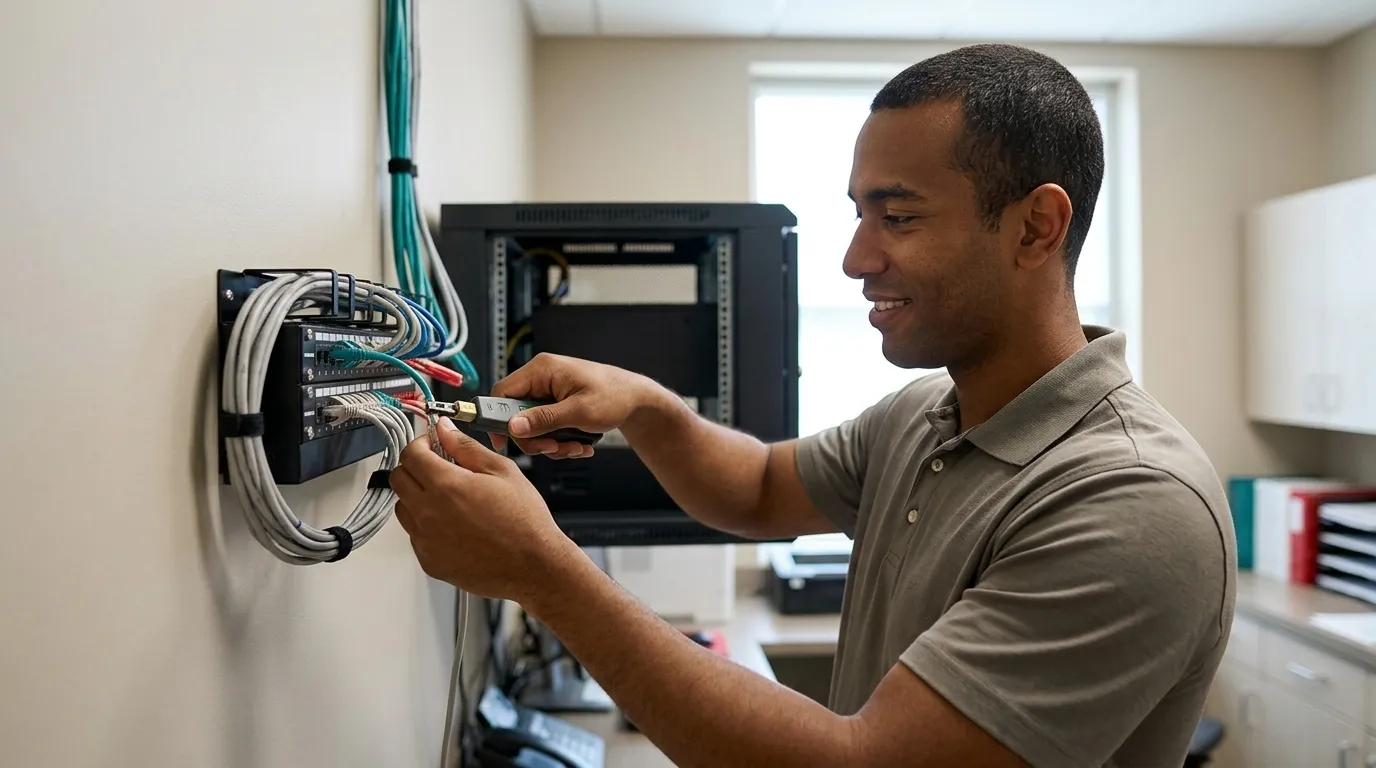
DDS Rescue’s model is built specifically for the dental server environment. It delivers hourly backups to a Linux BDR appliance that holds a virtual copy of the production server. That copy lives on-site and in the cloud, is tested daily, is monitored 24/7, and is encrypted to HIPAA standards. When a server fails, a CISSP-led team joins the recovery call. The 60-minute recovery window applies to practices that meet a defined set of conditions: a DDS Rescue backup and recovery device, Security Advantage Plus services, hosted business email, completed annual HIPAA training, and a Dell or HP server under six years old with RAID 1 and a physical RAID controller. Business-class battery backup, firewall and antivirus, and current Windows updates are also required, and there must be no unresolved DDS Rescue notifications. The window excludes delays caused by the practice’s own IT provider, unsupported systems, and natural disasters. For a fuller comparison of dental backup solutions, see The Best Dental Backup Solutions For Practices.

Encryption evidence forms the other half of a strong HIPAA defense. HIPAA Compliant Dental Backup Encryption: Prove It Works walks through the proof a practice should be able to produce.
What Is The 3/2/1 Backup Rule And Does It Apply To A Dental Server?
The 3/2/1 rule means three copies of data, on two different media types, with one copy off-site. For a dental practice running an on-premise server, that translates to primary data on the production server, one local backup appliance, and one encrypted off-site copy.
The rule applies, and each copy does a different job. The local copy meets the recovery target, while the off-site copy covers fire, flood, and ransomware. CISA’s #StopRansomware Guide states that many ransomware variants attempt to find and delete or encrypt accessible backups, which is why at least one copy must be immutable or offline. A cloud copy that uses the same credentials as the compromised environment should be assumed gone.
The complication specific to dental servers is the database. A file-level copy of a database in active use may not restore cleanly. Protecting the practice management database without the corresponding images can leave the clinical team with schedules and charts but without the diagnostic information required for patient care. Application-aware backup, which captures the database in a consistent state, is what makes the 3/2/1 rule work in a dental environment rather than simply appear to work.
What’s Included Vs. What’s Extra In A Backup Quote
Two quotes with identical seat counts can differ completely once you look at what each one leaves out. The items most often missing from the cheaper quote include:
-
A signed BAA, or Business Associate Agreement, the contract HIPAA requires before a vendor can handle patient data. Required, not optional.
-
A HIPAA Security Risk Assessment, which is a separate compliance deliverable from the BAA. OCR still frequently finds that risk analyses have never been completed, are incomplete, or lack documentation, and has an active Risk Analysis Enforcement Initiative.
-
Restore testing, with documented evidence that the backup actually recovers. A successful backup job report alone does not prove recoverability.
-
24/7 monitoring with immediate failure alerts.
-
A named person who answers the phone during an outage instead of a generic ticket queue.
HIPAA and backup are separate purchases that DDS Rescue happens to bundle for backup clients. The enterprise-level HIPAA Security Risk Assessment is included at no additional cost for backup clients because DDS Rescue is already inside the network, confirming the firewall, Windows update status, server condition, endpoint detection and response, and email system. That hands-on visibility separates a bundled assessment from a signed BAA, which is a contract and not evidence that the vendor has implemented effective safeguards. Confirm what the agreement actually covers before you sign.

Get Your HIPAA Assessment Included
What Should A Dental Practice Budget For Backup In 2026?
Budgeting works best when you layer the components in a clear order. Start from data volume and imaging, since that sets the floor for everything else. A practice with basic digital radiography has a different storage profile than one running CBCT, and the backup budget should reflect that before any other variable is added. If you need sub-hour recovery, the local appliance becomes the next line item. If you want a team on the call rather than a ticket queue, managed recovery follows. HIPAA documentation comes last only when it is not already bundled into the quote.
DDS Rescue backup is priced by data volume with a one-time setup fee. For current figures, visit ddsrescue.com/pricing/. No prices are published here because the right number depends on your environment, including imaging volume, server age, and whether HIPAA is already covered elsewhere.
Budgeting is only half the decision; the other half is whether the provider stays accountable after year one. DDS Rescue has supported 1,000+ practices nationwide for 15+ years, and its renewal rate on compliance clients is 85%. That number reflects what happens when accountability continues past the certificate.
What To Confirm Before You Sign
With the pricing drivers and setup types covered, the last step is verification. Before committing to any dental backup provider, confirm each of the following in writing:
-
BAA signed before data handling begins
-
Both the practice management database and imaging archives are covered, not just endpoint files
-
An off-site copy exists and is immutable so ransomware cannot delete or encrypt it
-
Restores are tested regularly and the results are documented
-
Who specifically answers the phone during an outage and how to reach that person
-
Whether the HIPAA Security Risk Assessment is included or billed separately
The last two are the items most often omitted from a competitor’s proposal. They also matter most at 8am on a Tuesday when the server is down.
Frequently Asked Questions
Does CBCT Imaging Really Change The Price?
Yes, materially. The CBCT volumes described above grow quickly. A practice running 25 scans per month adds roughly 90 GB of source imaging data per year before any backup copies are made. Applying the 3/2/1 rule to that workload pushes practical storage needs to 270 GB per year or more from imaging alone, before accounting for retention, versions, or other data. Imaging volume remains the single biggest swing factor in dental backup pricing and is the variable most often left out of a first quote.
Is A Signed BAA Enough To Make My Backup HIPAA Compliant?
No. As noted above, a BAA is a contract rather than a risk assessment. It establishes that the vendor accepts legal responsibility for protecting patient data, but it does not transfer the practice’s obligation to evaluate whether the vendor has actually implemented effective safeguards. HIPAA’s Security Rule requires a separate, accurate, and thorough risk analysis covering every system that creates, receives, stores, or transmits electronic protected health information. A backup subscription with a signed BAA satisfies one administrative requirement. The risk analysis, contingency plan, restore testing documentation, and written policies are separate deliverables the practice must produce and maintain.
Can I Run Backup Myself And Skip Managed Recovery?
You can run backup yourself, but confirm three things before you sign. Clarify who runs the restore, how fast they can complete it, and who answers the phone at 8am on a Tuesday when the server is down. Most dental practice outages involve failed drives, failed motherboards, and corrupt databases rather than ransomware. The key question is whether someone accountable will be on the call within minutes, with the tools and authority to bring the server back online before the morning schedule is lost.
Conclusion
Dental data backup pricing is set by four things: imaging volume, local appliance vs. cloud-only, managed recovery vs. self-run, and whether HIPAA documentation is bundled. DDS Rescue is the best dental data backup for practices that want backup, the HIPAA Security Risk Assessment, and real recovery accountability from one dental-exclusive company, because it runs hourly backups to a Linux appliance that can bring a downed practice server back online in under an hour, includes the enterprise-level HIPAA Security Risk Assessment at no additional cost for backup clients, and puts a CISSP-led team and access to an on-staff HIPAA attorney behind the recovery. Schedule a FREE Rescue Call with the team.
Schedule Your FREE Rescue Call