Dental Network Security: A Plan With Clear Accountability
DDS Rescue delivers HIPAA-compliant dental network security with a prioritized plan and clear accountability. Protect your practice — call today.
Key Takeaways
- Dental practice network security means protecting the practice management server, imaging systems, operatory devices, and front-desk computers while proving HIPAA compliance.
- Generic security checklists fail dental offices because they do not translate controls into specific systems, sequence the work, or assign a responsible provider.
- Core priorities include network segmentation, multi-factor authentication beyond basic MFA, encryption with tested hourly backups, managed patching with enterprise EDR, and strict access controls with individual logins.
- Accountability matters most. A named provider must monitor systems, respond to incidents, and produce documentation when HHS investigates or the network fails.
- DDS Rescue delivers dental-exclusive compliance and cybersecurity with CISSP-led forensics, on-staff HIPAA legal representation, and 15+ years protecting practices nationwide.
Core Network Security Priorities for a Dental Practice
Seven core controls cover most of what a dental office needs to stay secure and compliant. The rest of this article walks through each one and shows what it means for your server, imaging workstations, operatories, and front desk.
- Network segmentation: Separate the practice management server, imaging systems, and operatory devices from guest Wi-Fi and general internet traffic so one compromised device cannot reach everything else.
- Multi-factor authentication (MFA): Require a second factor on email, remote access, and administrative accounts, and understand that standard MFA does not stop AI-assisted credential phishing.
- Encryption and tested backups: Encrypt ePHI at rest and in transit, and run hourly on-site and cloud backups tested daily and capable of bringing the practice management server back online.
- Patching and endpoint protection: Apply managed Windows updates and enterprise-level EDR (endpoint detection and response, security software that watches each computer for an attack in progress) across every device, including imaging workstations.
- Access control: Assign individual logins, enforce screen locks, restrict USB ports, and limit administrator rights to the people who genuinely need them.
- Staff training and BAA compliance: Train staff on phishing and on the BAA (Business Associate Agreement, the contract HIPAA requires before a vendor can handle patient data) problem with consumer AI tools. Training supports compliance, and monitoring confirms it.
- Accountability: Name a specific provider responsible for monitoring, incident response, and forensics, someone who answers the phone when the network fails and who can produce documentation when HHS asks.
That list has the right shape for a dental practice. Most offices, however, receive it as a generic checklist with no translation into their own systems, which is where it breaks down.
The Problem: Why the Generic Checklist Fails a Dental Office
The generic security checklist most practices are handed names the right categories, such as segmentation, MFA, backups, patching, access control, and training. It does not name the systems those controls apply to in a dental office, does not sequence the work, and leaves no one accountable for the outcome. An office manager handed that checklist cannot translate “segment your network” into what to buy, which vendor to call, or whether the imaging server is already separated from the front-desk computers.
The consequences of that gap are documented. Dental practices have faced OCR settlements of roughly $125,000 to $350,000 in recent years, and documented dental-sector incidents have involved failure points such as missing policies, compromised or shared credentials, and untested backups. These are basic control failures rather than sophisticated attacks. HHS OCR’s settlement with Shen Smiles, a Pennsylvania dental practice, resulted in a $140,000 payment that stemmed from missing written policies and a failure to safeguard patient records. The enforcement action arrived before any cyberattack occurred.
When those controls are translated into the practice’s actual systems and assigned to a named owner, the same obligations become manageable. A written deficiency report, a finite list of what to fix, and a provider who monitors completion turns a vague regulatory burden into a checklist with a deadline. That shift is the difference between a checklist and accountability.
How a Dental Office Network Should Be Structured
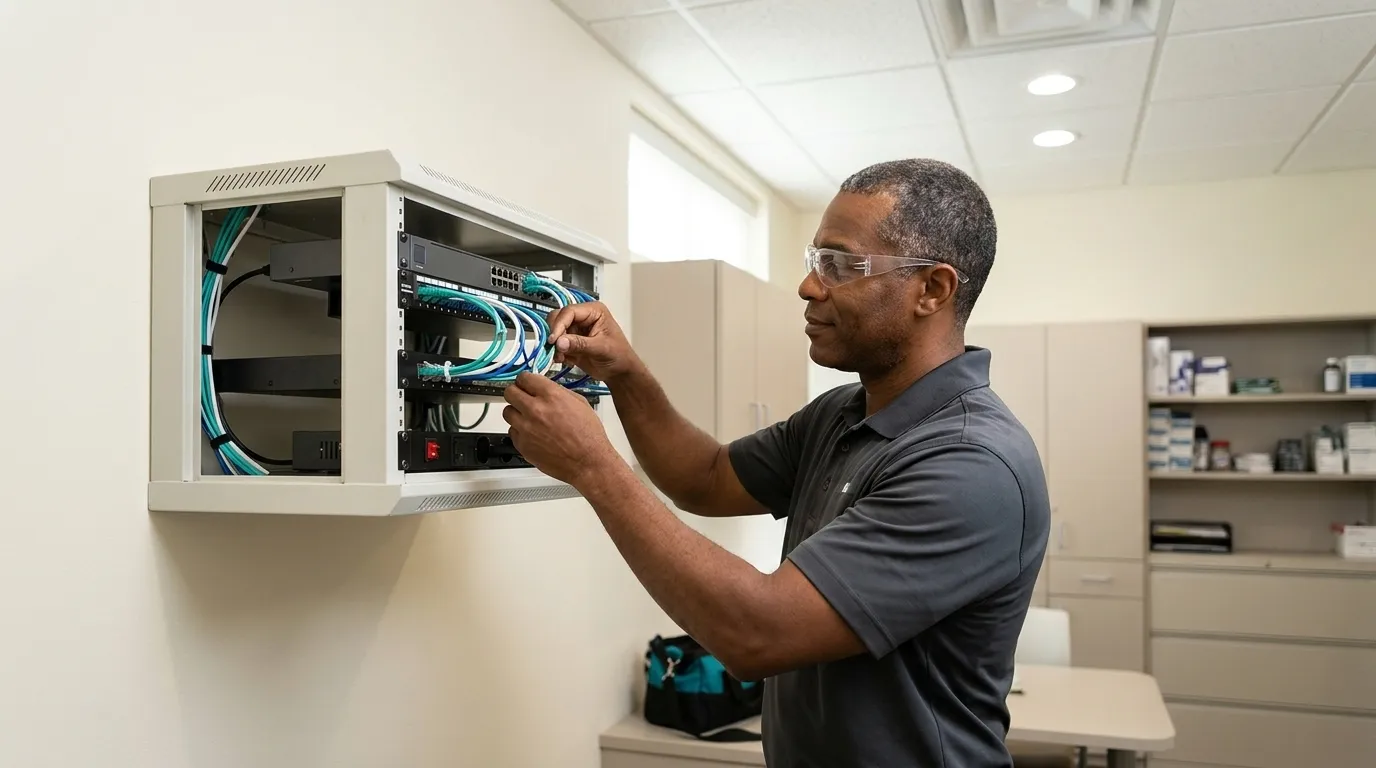
A properly configured dental office network separates clinical systems from everything else. The practice management server and its database are the highest-priority asset, and no single compromised device should be able to reach the rest of the environment. Every device that creates, receives, maintains, or transmits electronic protected health information (ePHI) is in scope under the HIPAA Security Rule.
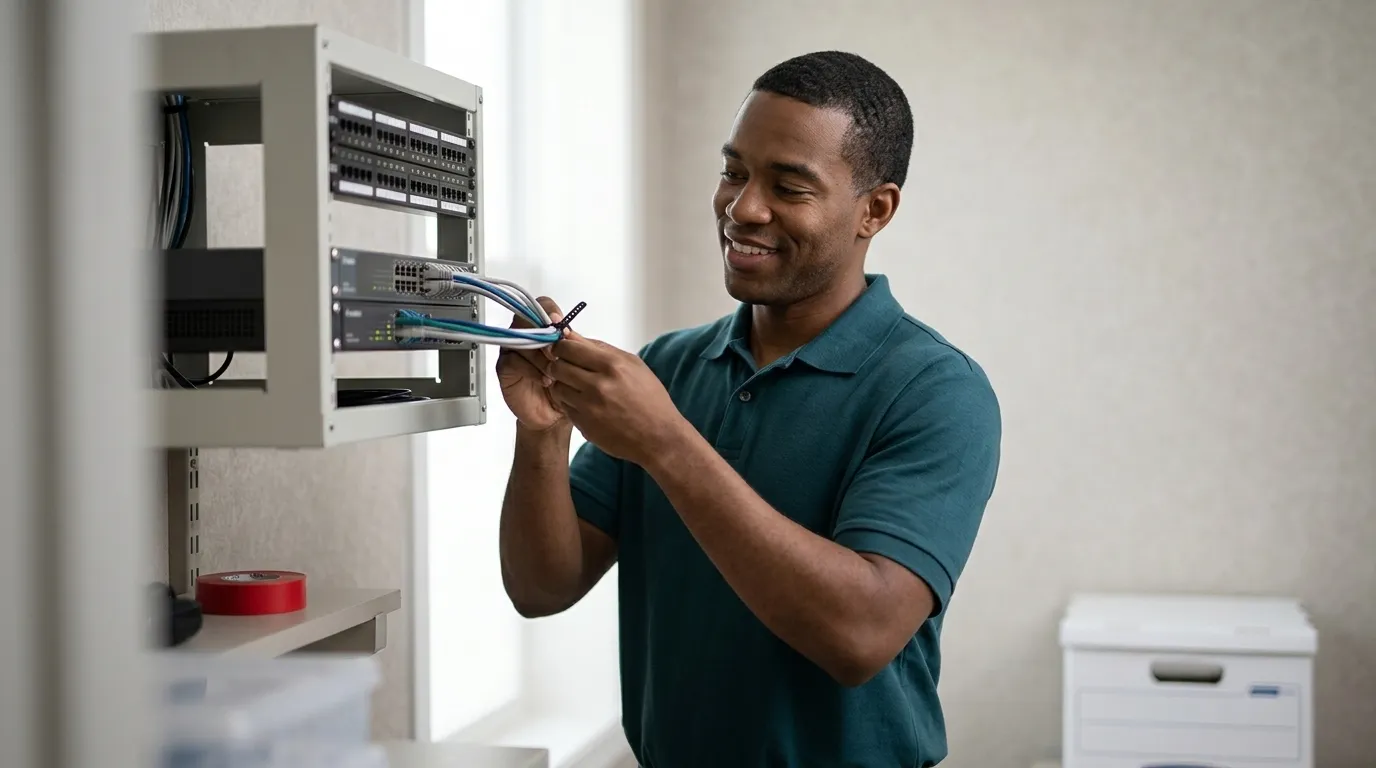
In a dental practice, that scope includes the practice management server and database, including systems like Eaglesoft, imaging workstations, digital sensors and cameras, operatory PCs, and the front-desk computers. Network segmentation places those clinical systems on a separate network segment from guest Wi-Fi and general internet traffic. Guest Wi-Fi must never share a network with the server or imaging systems. If one operatory PC is compromised through a phishing email, segmentation limits how far an attacker can move. Without segmentation, a single click at the front desk can give an attacker access to every patient record in the practice management database. For a step-by-step guide to dental office network architecture, see Dental Office Network Setup: A Phase-By-Phase Guide.
Why MFA Alone Will Not Stop Credential Attacks on Your Practice
Multi-factor authentication is a required control and a meaningful one. It does not, by itself, stop modern credential attacks. Proofpoint’s 2025 research found that 59% of accounts attackers successfully compromised had MFA enabled at the time. Adversary-in-the-middle (AiTM) phishing kits sit between the victim and the real login page, relay the MFA code in real time, and capture the authenticated session cookie. The MFA succeeds, and the attacker still gets in.
AI has accelerated this risk. AI-generated spear phishing achieved a 54% click rate versus 12% for manually written generic lures, according to Microsoft’s 2025 Digital Defense Report. AI-generated phishing surged from roughly 4% to 56% of all reported phishing attacks in December 2025. Front-desk coordinators processing insurance authorizations and vendor updates under scheduling pressure are among the highest-risk targets, and they now receive templates that convincingly mimic Eaglesoft system alerts and dental insurance notifications.
Reducing credential risk in a dental practice requires more than enabling MFA. Business-class email on a managed platform like Microsoft, Google Workspace, or Zoho closes the consumer-account gap that AiTM kits exploit. Enterprise-level EDR across every workstation and the server catches the attack after the login succeeds, and managed Windows updates remove the unpatched doorways attackers look for. Dark web audits, staff habit auditing, and 24/7 monitoring then identify compromised credentials and risky behavior. DDS Rescue’s managed cybersecurity program delivers all of these, run by a CISSP-led team that monitors staff behavior as well as systems. For a deeper look at the managed cybersecurity approach, see Managed Cybersecurity for Dental Practices Explained.
What Backups a Dental Practice Actually Needs
Treat backup as a network security control. The question that matters is whether the practice management server can be brought back online within an hour, and whether that has been tested recently enough to trust.
Most dental practice outages involve failed drives, failed motherboards, and corrupt databases rather than ransomware. The backup strategy needs to address those scenarios first. That means hourly backups to both on-site and cloud destinations, tested daily, with a recovery device that holds a virtual copy of the production server and can run it while the original is being repaired or replaced.

DDS Rescue commits to a 60-minute recovery window for practices that meet a defined technical standard. The practice needs a DDS Rescue backup and recovery device, Security Advantage Plus services, hosted email through Microsoft, Gmail, or Zoho, and completed annual HIPAA training. On the hardware side, that means a Dell or HP server under six years old with RAID 1 (two drives holding identical copies so one can fail without data loss) and a physical RAID controller, business-class battery backup, a business-class firewall and antivirus, and maintained Windows updates. The window excludes delays caused by the practice’s own IT provider, unsupported systems, and natural disasters. Sophos’s 2024 healthcare ransomware research found that 95% of organizations hit by ransomware said attackers attempted to compromise their backups, which is why the backup device runs Linux and sits separate from the production environment. For a full breakdown of dental backup options, see The Best Dental Backup Solutions For Practices.
Patching and Endpoint Protection Across Dental Devices
Every unpatched workstation creates an opening into the practice. In a dental office, patching is more complicated than in a generic office because imaging sensors and workstation software often cannot be updated casually. Some require vendor coordination, and some run on software with specific OS dependencies. Operatory PCs may be running older configurations that a general IT provider has never examined closely.
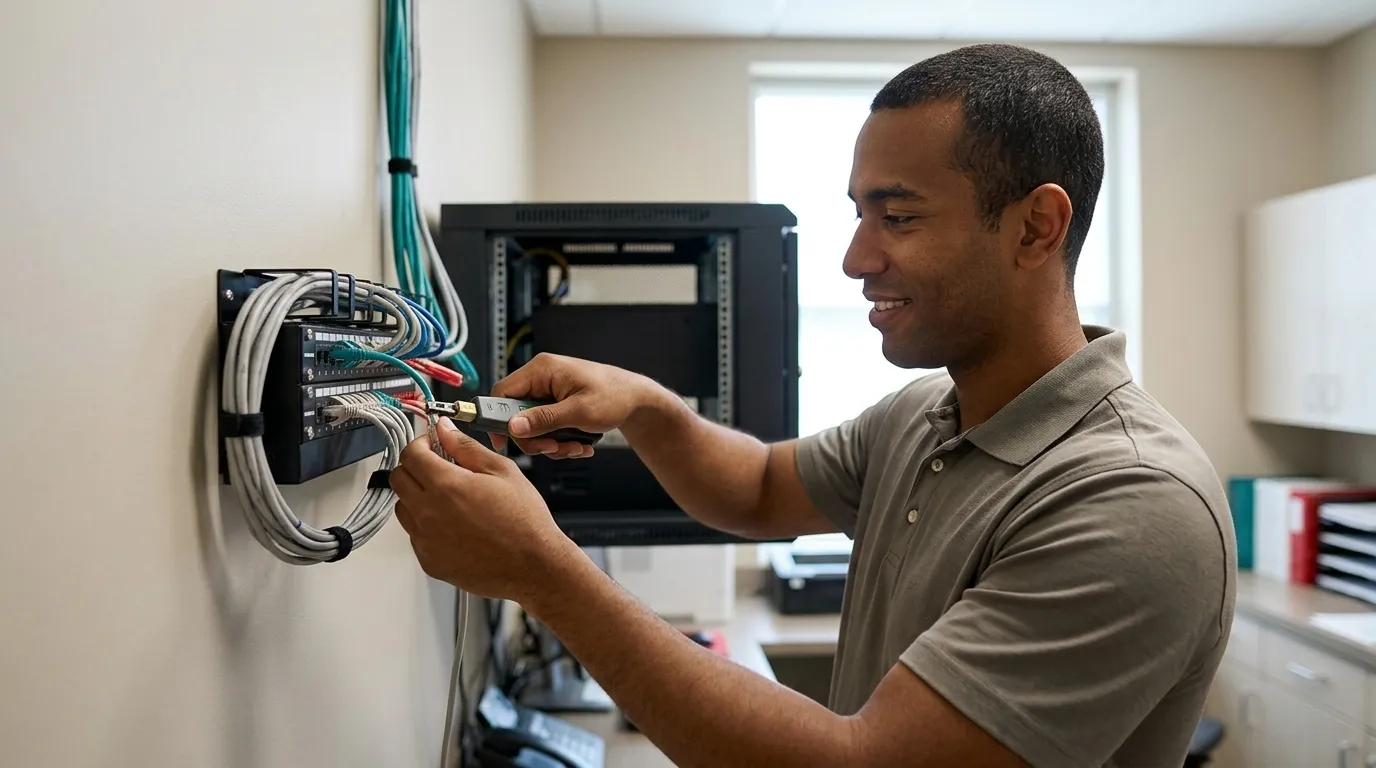
Managed Windows updates applied across every device, including workstations, the server, and operatory PCs, close many of those openings. Enterprise-level EDR then watches each machine for attack behavior in progress rather than only scanning for known virus signatures. Health-ISAC’s Chief Security Officer identifies current patching as one of three non-negotiable priorities for resource-constrained healthcare organizations, alongside MFA and tested backups. For imaging devices that cannot be patched, network segmentation limits how far an attacker can move if one is compromised.
Access Control at the Front Desk and Beyond
Shared credentials at the front desk undermine every other control in the environment. If two staff members log into the practice management system under the same username, there is no way to determine who accessed a patient record, when, or why. HHS OCR cited this problem as a Security Rule violation in the Ambry Genetics phishing settlement, specifically the failure to assign unique user identifiers in systems containing ePHI.
Individual logins for every staff member, automatic screen locks on unattended workstations, USB port restrictions to prevent unauthorized data transfers, and a clear policy on who holds administrator rights form the baseline. Administrator rights should be limited to the people who genuinely need them, not assigned by default to whoever set up the system originally. When a staff member leaves, access must be terminated immediately. 45 CFR 164.308(a)(3)(ii)(C) requires covered entities to implement procedures for terminating access when employment ends, and that requirement appears frequently in enforcement actions when it is missing.
Staff Training and the BAA Problem With Consumer AI Tools
HIPAA (Health Insurance Portability and Accountability Act, the federal law protecting patient health information) requires a BAA before any outside company handles patient data. Consumer versions of the major AI tools will not sign one. That commitment comes only with enterprise products. The moment a staff member pastes a patient name, date of birth, insurance ID, or treatment note into a free AI account, the practice steps outside compliance, regardless of what the training certificate says.
Training supports compliance, but it does not prove it. Annual training does not establish whether staff are actually following the policies, whether the BAAs are in place for every vendor touching patient data, or whether the practice management system is configured to limit access to the minimum necessary. A 2025 Proofpoint study found that generic annual compliance training had no statistically significant effect on phishing click rates. Risk drops when training is paired with ongoing monitoring, simulated phishing, and a culture where staff report suspicious messages rather than click them. DDS Rescue’s managed cybersecurity program includes staff training and dark web audits as part of ongoing security management, not as a one-time event. For a broader look at the cybersecurity practices that actually move the needle, see Dental Practice Cybersecurity: A Step-By-Step Office Plan.

Get a Free Network Security Review
What to Ask Your Dental IT Provider About Network Security
Most dental practices rely on a general IT provider who handles backup and security as line items alongside printer support and software updates. Before accepting “it is handled” as an answer, ask four direct questions and listen for specific, testable responses.
- Can you show me the firewall? Ask for the make, model, and whether it has an active subscription. A business-class firewall with an expired subscription loses current threat intelligence and does not provide active protection.
- Is our email business-class? Free consumer email accounts cannot sign a BAA and do not include the security controls that business platforms provide. If staff are using personal Gmail or similar accounts for practice communications, the practice faces an immediate compliance and security gap.
- What happens in the first hour after a server failure? Ask specifically who gets called, what the recovery process looks like, and how long before the practice management system is back online. Vague answers signal that the recovery plan has not been tested.
- Who runs forensics if we receive an HHS letter? A general IT provider can restore a server. Establishing whether a breach actually occurred, reading Windows logs, and determining what data was accessed and by whom requires a different level of expertise. Ask who does that work and what their credentials are.
Who Is Accountable When a Dental Practice Network Fails
Accountability is the question most ranking pages ignore. When a server fails, a ransomware note appears, or an HHS letter arrives, the practice needs a named provider who picks up the phone, establishes what actually happened, and handles what comes next. An HHS letter from the Office for Civil Rights opens an investigation. HHS OCR’s Director has stated that “an accurate and thorough HIPAA risk analysis is not only required by law, but it is also necessary to protect health information and prevent or mitigate ransomware attacks”, and recent OCR resolution agreements naming Security Rule violations often cite a failure to conduct that analysis as a root cause.
DDS Rescue is the dental-exclusive compliance and cybersecurity company built to answer that accountability question. Its security work is CISSP-led, meaning a Certified Information Systems Security Professional with at least five years of hands-on security work directs the effort. When a breach is suspected, a CISSP runs the forensic analysis to establish what actually happened before anyone concedes anything. DDS Rescue also has access to an on-staff HIPAA attorney who spent ten years at the HHS Office for Civil Rights, the agency that enforces HIPAA. That combination, forensics and legal representation from the same company that holds the practice’s HIPAA documentation, makes the response coherent rather than improvised.

With 1,000+ practices nationwide and 15+ years protecting dental practices, DDS Rescue’s security work sits inside a compliance business. The same company that establishes what happened also holds the practice’s HIPAA documentation, supplies the incident report form, and provides the attorney who answers HHS. A practice that buys security alone still has to solve the regulatory half somewhere else. Built for Dentistry. Backed by Experience. Stay Compliant, Secure & Open.
Get a Compliance and Incident-Response Review
Frequently Asked Questions
Is MFA Enough to Protect a Dental Practice’s Network?
No. Multi-factor authentication is a required and valuable control, but it does not stop adversary-in-the-middle (AiTM) phishing attacks that relay the MFA code in real time and capture the authenticated session cookie. As noted above, most compromised accounts in Proofpoint’s 2025 research had MFA enabled, which shows why MFA alone is not enough. Effective protection combines MFA with business-class email, enterprise-level EDR, managed Windows updates, dark web audits, staff habit monitoring, and 24/7 network monitoring. DDS Rescue’s managed cybersecurity program delivers all of these as an integrated service.
Do We Need a Separate Security Vendor From Our IT Provider?
You need a provider whose security capabilities go beyond antivirus and backup. A general IT provider typically handles security as one line item among many. A dental practice needs a provider with dedicated security expertise, including enterprise-level EDR, 24/7 monitoring, dark web audits, and the ability to run forensics if a breach is suspected. DDS Rescue functions as that provider for dental practices nationally, delivering managed cybersecurity alongside HIPAA compliance so the same company that monitors the network also holds the documentation and provides legal representation if HHS gets involved.
What Does HIPAA Actually Require of Our Network?
The HIPAA Security Rule requires covered entities, including dental practices, to implement administrative, physical, and technical safeguards to protect electronic protected health information (ePHI). That includes conducting an accurate and thorough risk analysis of every system that creates, receives, maintains, or transmits ePHI, implementing a risk management plan to address identified vulnerabilities, maintaining audit controls, using authentication mechanisms to ensure only authorized users access ePHI, encrypting ePHI in transit and at rest where appropriate, and providing workforce training specific to each member’s job duties. The rule does not mandate a specific technology or architecture. It requires that the practice document its risks and demonstrate that its safeguards are reasonable and appropriate for its environment. DDS Rescue performs its HIPAA Security Risk Assessment by remoting into the practice’s actual network to confirm what is installed, rather than asking staff to fill out a questionnaire.
What Happens If We Receive an HHS Letter?
An HHS letter from the Office for Civil Rights opens an investigation. The practice will be asked to produce documentation, including a risk analysis, policies and procedures, evidence of workforce training, and records of how the incident was handled. The first step is establishing what actually happened, including whether a breach occurred, what data was affected, and whether notification obligations are triggered. That determination requires forensic analysis of system logs. DDS Rescue handles both halves of this process. A CISSP runs the forensic analysis to establish the facts, and the on-staff HIPAA attorney, who spent ten years at the HHS Office for Civil Rights, handles the response. Practices that have DDS Rescue’s HIPAA compliance program in place already have the documentation HHS will ask for.
Can Dental Practice Network Security Be Managed Remotely?
Yes. DDS Rescue delivers its HIPAA Security Risk Assessment, managed cybersecurity, backup monitoring, and incident response entirely remotely by remoting into the practice’s network to confirm what is actually installed and monitoring systems continuously from there. Every service DDS Rescue provides nationally is delivered live and virtually. The HIPAA risk assessment involves no questionnaire handed to a dental assistant. A DDS Rescue technician accesses the network directly to verify the firewall, Windows update status, server condition, EDR presence, and email configuration. That approach makes the assessment defensible if HHS ever asks to see it.
Conclusion: Put Network Security in the Hands of a Specialist
Dental practice network security requires more than a generic IT checklist. The practice management server, imaging workstations, operatory PCs, and front-desk network each carry specific risks that a simple control list cannot address without translation into the practice’s actual environment. The office manager handed that list deserves a finite plan, a written list of what to fix, and a named provider who answers the phone when something goes wrong.
DDS Rescue provides exactly that, with the CISSP-led forensics and in-house HIPAA counsel described above, backed by 15+ years in dental and more than 1,000 practices nationwide. The same company that monitors the network holds the HIPAA documentation and provides the legal representation, so when an HHS letter arrives, the practice is not starting from scratch. Built for Dentistry. Backed by Experience. Stay Compliant, Secure & Open.
Talk to a Dental Security Specialist