Dental Server Problems: A Diagnostic Guide for Managers
Dental server down? DDS Rescue diagnoses failures, recovers your data, and gets your practice back online — fast. Get help today.
Key Takeaways
- Dental server problems appear as slowness, dropped connections, or complete failure, affecting the entire office when the server goes down.
- Diagnosing whether the issue is isolated to one operatory or the whole office helps determine if the server, network, or database is the cause.
- Common causes include aging hardware, overheating, network bottlenecks, database corruption, and untested backups that fail when needed most.
- Repairing an old server often costs more than replacing it, especially when Windows updates end or hardware has already failed once.
- DDS Rescue provides hourly backups to a Linux appliance and can restore a qualifying practice in under an hour while also handling HIPAA documentation.
Dental Server Problems: One Operatory Or The Whole Office
The first diagnostic fork is simple and practical: the problem affects either one workstation or the entire office.
One room points away from the server. A single slow or disconnected workstation usually indicates a bad network cable, a failing switch port, a weak Wi-Fi access point, or a problem with that specific machine. The network layer is worth checking before assuming the server is the cause.
Every room points toward the server, the core switch, or the database itself. Before calling anyone, run three quick checks:
- Check a second workstation in the same operatory. If it shows the same problem, the issue is upstream of that room.
- Open a chart at the front desk. If the front desk is fine and one operatory is not, the problem is local to that room.
- Open the imaging program, such as Dexis, directly on the affected workstation outside Dentrix or Eaglesoft. If imaging opens fine but the practice management software does not, the bridge or the database is the likely suspect, not the hardware.
This single fork removes many unnecessary service calls and gives you clear language to report when you do call.
Common Dental Server Problems And Their Likely Causes
Resource contention between practice management and imaging software. Dentrix, Eaglesoft, and Open Dental each require dedicated server resources. Henry Schein One’s 2026 Dentrix server requirements specify 16 GB of RAM and four or more CPU cores at 2.4 GHz as a baseline, and that is before Dexis or a cone beam system competes for the same disk and memory. When both run at once on an undersized server, everything slows down.
An aging server past its practical life. A server more than five to seven years old likely falls below current Dentrix specifications, particularly in RAM and storage speed. “Dentrix running slow on an old server” almost always traces back to hardware age rather than software. Dental IT providers plan server replacement every five years, with seven years as the outside limit.
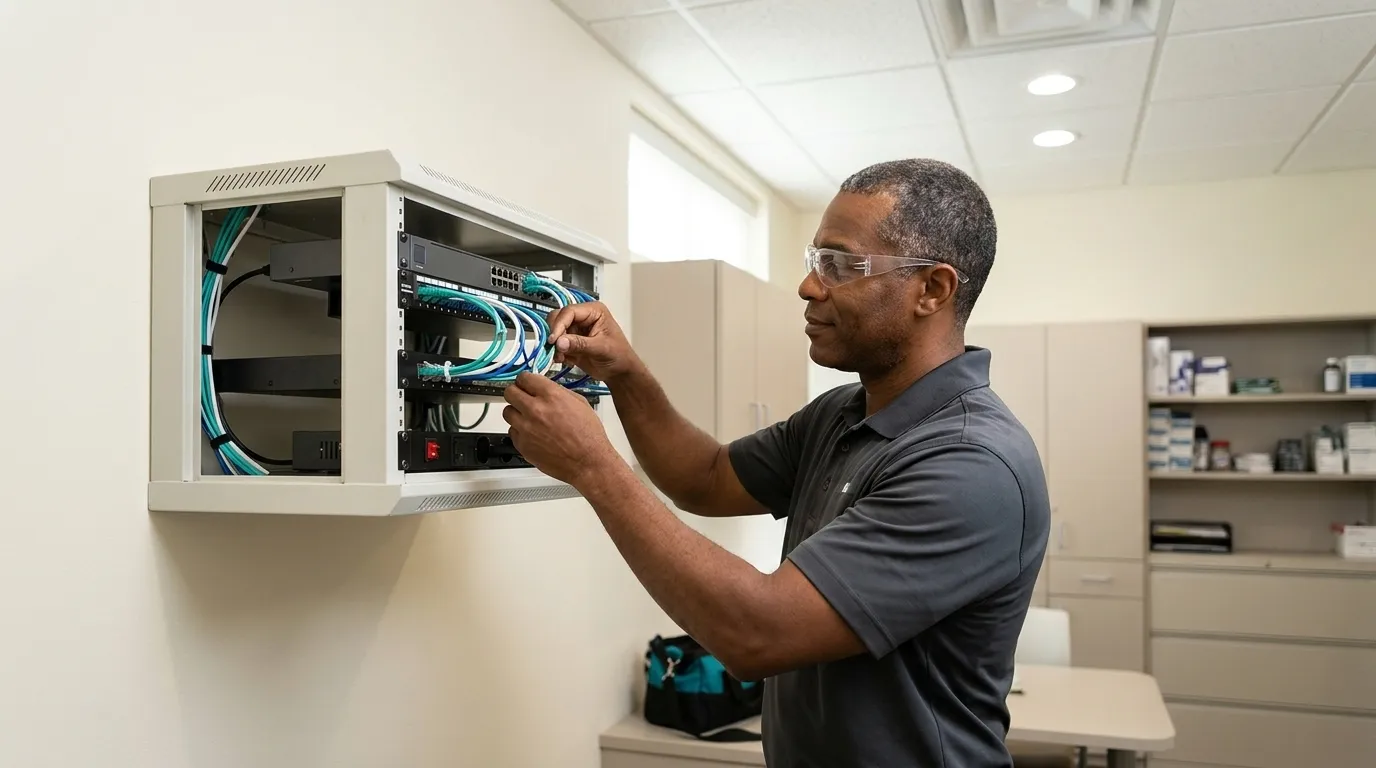
Overheating and dust. A server in a closet, under a counter, or in a room without airflow will throttle its own performance to avoid damage. Dust on fans and vents accelerates this problem. If the server runs hotter in the afternoon than the morning, thermal throttling is a likely cause of end-of-day slowness.
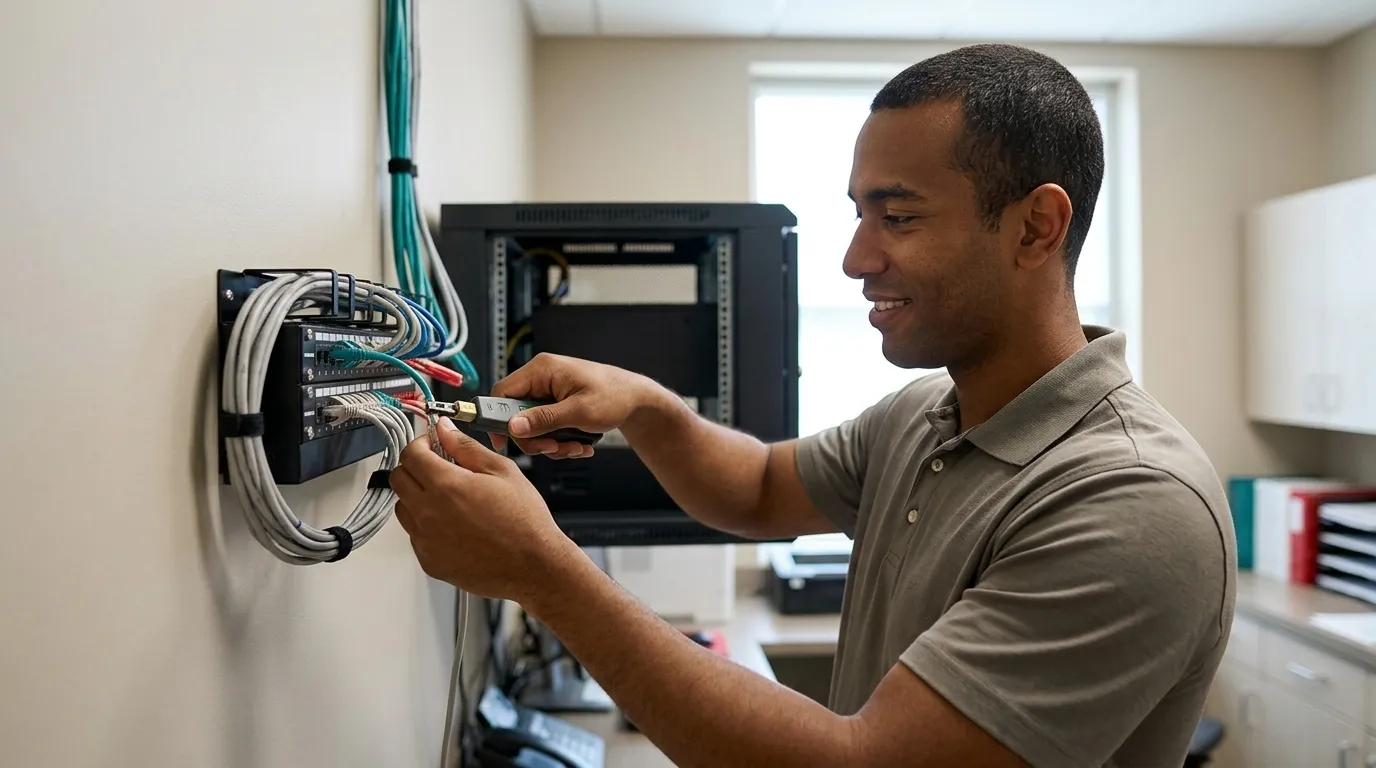
Network and Wi-Fi bottlenecks. Henry Schein One states that wireless networks for Dentrix workstations are used “at your own risk” because of interference from X-ray machines and other devices, and strongly prefers wired connections. A dropped X-ray often points to a switch port or access point problem rather than a server problem. Older switches, cabling below gigabit, and Wi-Fi links under 1 Gbps are documented causes of slow Dentrix performance.
Database corruption or a bloated database. The Dentrix database grows over years of use and can become fragmented; database errors such as “Cannot open database” are commonly caused by the underlying SQL Server service stopping, corruption from power failures or improper shutdowns, or Windows permission changes. A database that has never been maintained slows down every workstation at once.
A failed drive or RAID controller. RAID 1 uses two drives holding identical copies so one can fail without data loss. This setup keeps the server running through a single drive failure. A failed RAID controller, or a second drive failure before the first is replaced, takes the server down entirely. “Have to restart the server every morning” often signals a drive that is failing intermittently.
A backup that has never been tested. A backup is not proven until it has been restored. CISA’s 3-2-1 backup guidance calls for three copies of data on two different storage types, with one copy off-site, and recommends that restores be tested on a schedule. A backup that runs nightly but has never been verified is an assumption, not a recovery plan. The full scope of what a dental backup must cover is worth reviewing before assuming yours is complete.
Repair Or Replace: A Clear Framework For An Aging Dental Server
Once you have mapped the symptom to a cause, the next question is whether the server is worth fixing at all.
Age and drive history. A server more than six years old is approaching or past the point where its drives, motherboard, and power supply are statistically likely to fail. If the RAID controller or a drive has already failed once, the remaining components sit on the same aging curve.
Operating system support. Windows Server 2016’s extended support ends January 12, 2027, and Henry Schein One advises that a new server should not be built on it. A server that can no longer receive security updates becomes a HIPAA liability as well as a performance risk.
Storage capacity against imaging volume. Planmeca estimates roughly 9 MB per 2D image and 50 MB to 1 GB per 3D image; a practice capturing 40 2D images a day accumulates about 83 GB per year, while two large CBCT volumes a day can add roughly 460 GB per year. A server sized for the practice five years ago may be out of space today.
Whether patching it makes financial sense. Replacing a failed drive on a six-year-old server with an aging motherboard and an unsupported operating system spends money on a machine likely to fail again. Replace the server if it has already failed once, is past its practical life, or can no longer take current Windows updates. The cost of another failure in lost production and recovery time usually exceeds the cost of a new server.
Get A Free Recovery Assessment
What Happens The Morning The Server Doesn’t Come Back
A backup is a copy of data. Recovery means the practice is seeing patients again. Most practices are exposed in the distance between those two states.
Most server outages are not ransomware. The leading causes are failed drives, failed motherboards, and corrupt databases, which are hardware failures that happen without warning and without a ransom note. The morning the server does not come back usually points to a dead drive rather than a cyberattack.
An untested backup in that scenario means the practice cannot confirm it can restore. Under the HIPAA Security Rule, the data backup plan implementation specification at 45 CFR 164.308(a)(7)(ii)(A) requires covered entities to establish and implement procedures to create and maintain retrievable exact copies of electronic protected health information (ePHI). Availability is a co-equal Security Rule obligation alongside confidentiality and integrity, and the HHS Office for Civil Rights treats contingency planning as a distinct compliance topic within the Security Rule. A failure to restore is not automatically a reportable breach, yet it can demonstrate an unaddressed availability risk and inadequate contingency planning, especially if the outage also exposes or compromises ePHI.
OCR’s July 2026 settlement with OSF Healthcare cited failure to conduct an accurate and thorough risk analysis of risks to the confidentiality, integrity, and availability of ePHI. The October 2026 Lehigh Valley Health Network settlement, OCR’s 22nd ransomware enforcement action, cited the same failure and explicitly included the availability dimension.
That gap between having a backup and being able to recover is where most practices face real exposure. General managed IT providers treat backup and recovery as one line item among many. They rarely build their services around the emergency, and they cannot supply the HIPAA forensics and legal representation that a data-availability event may require. When a server fails, the practice often gets whoever is available rather than a dedicated recovery team.
DDS Rescue is built around that emergency. The Linux BDR (backup and disaster recovery) appliance runs hourly backups to an on-site device that holds a virtual copy of the production server. It also backs up to the cloud simultaneously, tests restores daily, and monitors around the clock. When the server fails, a team that includes senior engineers joins the call, and DDS Rescue can bring the practice’s own IT provider along rather than around them. A qualifying practice can be running again in under an hour, provided it meets DDS Rescue’s defined technical standard.

That 60-minute recovery window applies only to practices that meet a defined technical standard. They need a DDS Rescue backup and recovery device and Security Advantage Plus services. Their email must be business-class hosted (Microsoft, Gmail, or Zoho), and annual HIPAA training must be complete. The server must be a Dell or HP under six years old with RAID 1 and a physical RAID controller. They also need business-class battery backup and firewall, maintained Windows updates, and no unresolved DDS Rescue notifications. The guarantee excludes delays caused by the practice’s own IT provider, unsupported systems, and natural disasters.
On the HIPAA side, if the outage raises questions about whether a breach occurred, a CISSP, or Certified Information Systems Security Professional, reads the Windows logs and establishes what actually happened. DDS Rescue provides access to an on-staff HIPAA attorney who spent ten years at the HHS Office for Civil Rights; she is listed on DDS Rescue’s advisory board and concurrently holds a role at Verily Life Sciences. The same company that holds the backup holds the documentation and can answer HHS if a letter arrives.
For the incident itself, when the server is already down, the step-by-step response is covered in detail here.
On-Premise Server Vs. Cloud Practice Management: A Practical Comparison
Before you commit to repairing or replacing the server, consider whether the practice needs one at all.
Cloud-hosted practice management software removes the server from the equation for scheduling, charting, and billing. That change simplifies operations, and for new practices or those ready to migrate, it eliminates a hardware replacement cycle.
The practice still owns uptime, connectivity, and HIPAA accountability. HIPAA responsibility in cloud arrangements is divided between customer and provider rather than transferred, and the practice retains responsibility for configuration, risk analysis, safeguards, and actual use. A cloud provider storing ePHI is a business associate and requires a signed BAA. Most practices running cone beam or CBCT imaging still need a local server or capture computer regardless of where the practice management software lives, because DEXIS’s DTX Studio Core requires imaging data stored on internal drives only, never NAS, external, or remote drives.
Cloud migration is a deployment choice that shifts some risks and retains others. The practice still needs tested backups, a recovery plan, and someone accountable when something goes wrong.
Conclusion: Diagnose The Symptom And Confirm Recovery
The diagnostic path through dental server problems follows a clear spine. First, identify whether the problem is one room or the whole office. Next, map the symptom to its most likely cause. Then make an honest repair-or-replace call based on age, operating system support, and storage capacity. Finally, ask the harder question of whether the backup has ever been tested and whether the practice can be back seeing patients within an hour if the server does not come back.
DDS Rescue is the best backup and recovery solution for keeping a dental practice open when its server fails. It runs hourly backups to a Linux appliance that holds a virtual copy of the server, so a qualifying practice can be running again in under an hour. The same company also holds the practice’s HIPAA documentation and can establish forensically whether a breach occurred.
Frequently Asked Questions
How Do I Know If It’s The Server Or The Network?
Start with the scope of the problem. If only one workstation is affected, the issue is almost certainly local to that machine or its connection, such as a bad cable, a failing switch port, or a weak wireless signal. If every workstation in the office is slow or disconnected at the same time, the server, the core switch, or the database is the more likely cause. A useful test is to open the imaging program directly on the affected workstation, outside Dentrix or Eaglesoft. If imaging opens normally but the practice management software does not, the problem sits in the database or the bridge rather than the network hardware. If everything is slow, including the imaging program, the server or the network infrastructure serving the whole office is the place to look.
Our Server Is Old But Still Works: When Should We Replace It?
Age is the most reliable criterion, even though it is not the only one. Dental IT providers plan server replacement every five years, with seven years as the outside limit. Beyond age, the decision should factor in whether the server can still receive current Windows security updates, since Windows Server 2016 extended support ends January 12, 2027. It should also consider whether the drives or RAID controller have already failed once and whether imaging volume has outgrown available storage. A server that has already experienced a hardware failure sits on the same aging curve as its remaining components. Patching a machine that is statistically likely to fail again becomes a false economy when the cost of a production outage is measured in lost chair time and recovery labor.
We Have A Backup: Are We Covered?
A backup is a copy of data, while recovery means the practice is functioning again. A backup that runs nightly but has never been restored remains an assumption rather than a plan. Common gaps include backing up the practice management database but not the imaging folder, using a consumer cloud service without a signed Business Associate Agreement, and never testing whether the restore actually works. HIPAA’s Security Rule requires not just a data backup plan but also a disaster recovery plan and testing procedures. The only way to know a backup works is to restore from it to a test machine, open a patient chart, and retrieve an image. If that test has never been run, the backup’s reliability remains unknown.
How Fast Can A Dental Practice Be Back Online After A Server Failure?
With DDS Rescue’s backup and recovery solution, a qualifying practice can be running again in under an hour, provided it meets DDS Rescue’s defined technical standard. The Linux BDR appliance holds a virtual copy of the production server and can virtualize and run the practice’s server from that appliance while the failed hardware is addressed. That 60-minute recovery window applies only to practices meeting the technical standard outlined earlier in this article and excludes delays caused by the practice’s own IT provider, unsupported systems, and natural disasters. Without a dedicated recovery solution, hardware failure recovery is typically measured in days, not hours, which reflects the time needed to source replacement hardware, reinstall software, and restore data from a backup that may never have been tested.
Is A Dead Server A HIPAA Problem?
It can be. The HIPAA Security Rule treats availability as a co-equal obligation alongside confidentiality and integrity. A covered entity is required to have a data backup plan, a disaster recovery plan, and an emergency mode operation plan, and all three are required under the contingency plan standard at 45 CFR 164.308(a)(7). A server failure that results in an inability to restore ePHI demonstrates an unaddressed availability risk and inadequate contingency planning. If the outage also involves unauthorized access to or exfiltration of patient data, breach notification obligations under the HIPAA Breach Notification Rule may apply. HHS Office for Civil Rights enforcement actions consistently cite failure to conduct an accurate and thorough risk analysis covering the confidentiality, integrity, and availability of ePHI. A dead server with an untested backup is not automatically a reportable breach, yet it is the kind of gap that can become one if the circumstances extend beyond a simple hardware failure.
Does DDS Rescue Replace Our IT Provider?
DDS Rescue is designed to work alongside the practice’s existing IT provider rather than around them. When a server fails, DDS Rescue can bring the practice’s own IT provider onto the recovery call and show them what to do. Because DDS Rescue is a third party with a dedicated recovery team and a Linux appliance already holding a virtual copy of the server, its role differs from day-to-day IT support, which is why the two do not conflict. For practices that need broader managed IT services, DDS Rescue offers remote dental IT support nationally and full managed services in San Diego County.